
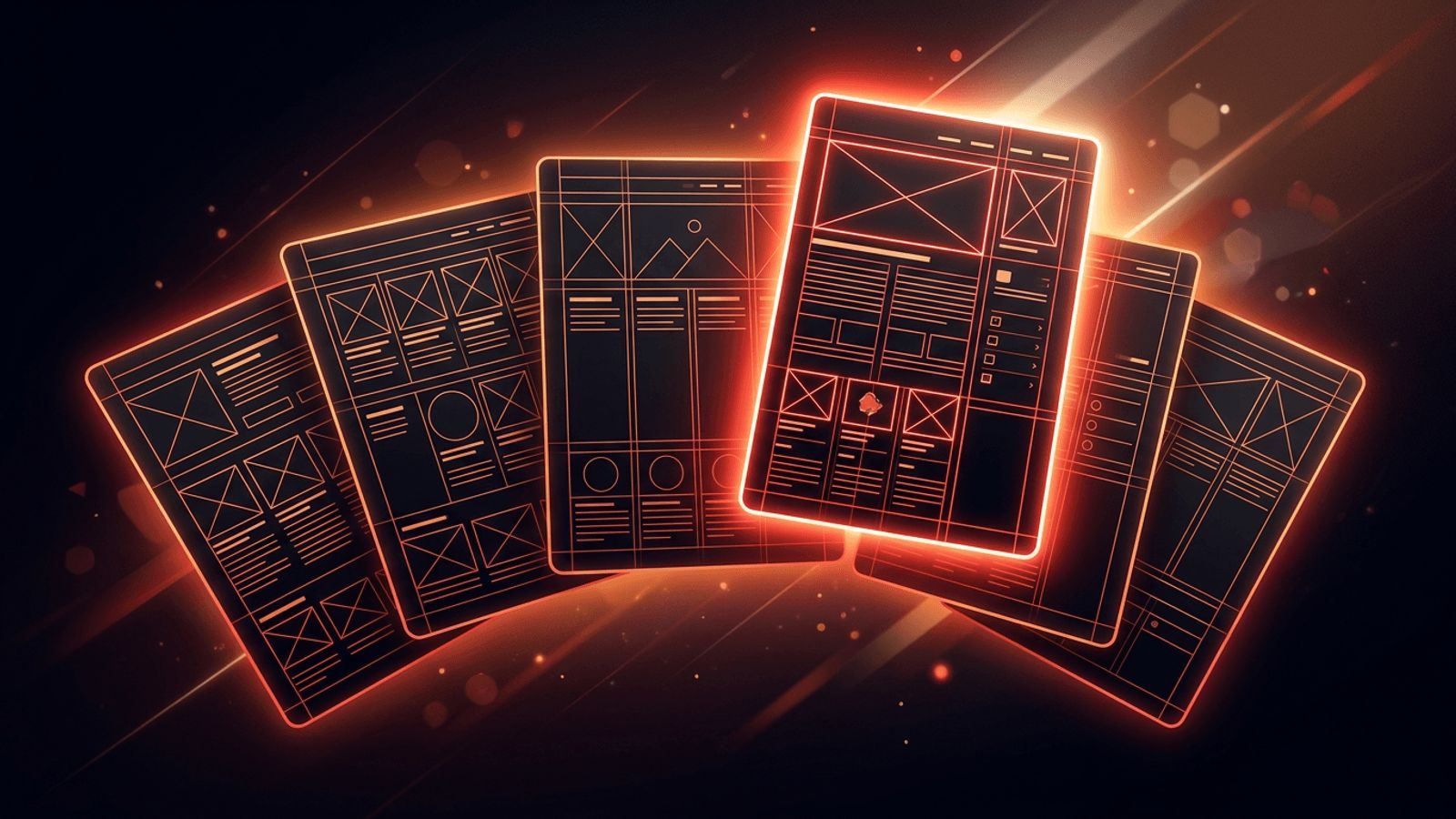
A simple web page template is a pre-built layout that provides the structure and styling for a page, allowing users to add their own content without starting from scratch. Templates are widely used by beginners, small businesses, marketers, and developers who need to launch pages quickly. A good template saves time, ensures consistent design, and offers a proven layout that guides visitors toward key information and actions.
In this article, we explore what a simple web page template includes, the benefits and limitations of templates, how to customize one effectively, and when it makes sense to invest in a custom design.
How AAMAX.CO Helps Businesses Go Beyond Basic Templates
Templates are a great starting point, but many businesses eventually need a design that reflects their unique brand and goals. AAMAX.CO is a full service digital marketing company offering web development, digital marketing, and SEO services worldwide. They can customize existing templates or create fully bespoke layouts and reusable design systems tailored to each client. With their website design services, businesses receive pages that combine the speed of template-based workflows with the distinctiveness and performance of custom craftsmanship.
What Is Included in a Simple Web Page Template?
Most simple templates follow a familiar structure that visitors understand intuitively:
- Header: Logo, site name, and navigation menu.
- Hero section: A prominent headline, supporting text, a call-to-action button, and often an image.
- Features or services section: A grid of cards highlighting key offerings.
- About section: A short description of the business or person.
- Testimonials: Quotes from satisfied customers.
- Contact section: A form or contact details.
- Footer: Copyright information, secondary links, and social icons.
Templates are usually built with HTML and CSS, and some include lightweight JavaScript for menus or animations.
Benefits of Using a Template
- Speed: Pages can be launched in hours rather than weeks.
- Lower cost: Free and low-cost templates reduce initial investment.
- Proven layouts: Templates use common patterns that users recognize.
- Responsive design: Most modern templates adapt to mobile devices out of the box.
- Consistency: Templates keep spacing, fonts, and colors uniform across pages.
- Learning resource: Beginners can study template code to understand web development.
Limitations to Keep in Mind
Templates are not perfect for every situation. Because many websites use the same popular templates, a site may look generic. Some templates include excessive code, plugins, or scripts that slow performance. Others may lack accessibility features or follow outdated coding practices. Customizing a template beyond its intended structure can also become complicated. Businesses should evaluate templates carefully before committing.
How to Choose a Good Template
When selecting a simple web page template, consider these criteria:
- Clean, well-documented code: Easier to edit and maintain.
- Responsive behavior: Test it on phones, tablets, and desktops.
- Performance: Check file sizes and loading speed.
- Accessibility: Look for semantic HTML, sufficient contrast, and keyboard support.
- Licensing: Make sure the license permits your intended use.
- Flexibility: Ensure sections can be added, removed, or rearranged easily.
- Design fit: Choose a style that suits your brand and audience.
Customizing a Template Effectively
A template becomes truly useful when it is tailored to the brand. Effective customization includes:
- Replacing placeholder text with clear, benefit-focused copy.
- Updating colors and fonts to match brand guidelines.
- Using original photos or custom illustrations instead of generic stock images.
- Removing sections that do not serve the page's purpose.
- Adding a favicon, meta tags, and descriptive page titles.
- Optimizing images and removing unused scripts and styles.
These adjustments help a template feel unique while maintaining its structural strengths.
Templates in Modern Development Workflows
Templates are not only for beginners. Professional teams often create internal templates and component libraries to speed up their own work. Modern frameworks allow developers to build reusable layouts and components that act as flexible templates for entire websites. Design systems take this further by defining reusable patterns, tokens, and guidelines that keep large websites consistent.
When to Choose a Custom Design Instead
A template may not be enough when a business needs a distinctive brand presence, complex functionality, specialized user flows, or deep integrations with other systems. Companies in competitive markets often benefit from custom designs that differentiate them and are optimized specifically for their audience and conversion goals. A common path is to start with a template to validate an idea and then invest in a custom design as the business grows.
SEO Tips for Template-Based Pages
Pages built from templates can rank well with proper optimization. Use a single descriptive h1, structured subheadings, original content, compressed images with alt text, and clean URLs. Avoid leaving default demo content or duplicate placeholder text, which can harm search performance.
Conclusion
A simple web page template is a practical tool for launching pages quickly, consistently, and affordably. By choosing a well-built template and customizing it thoughtfully, businesses can create professional pages that serve their audience well. As needs evolve, templates can serve as a foundation for more customized designs that reflect a brand's unique identity.