
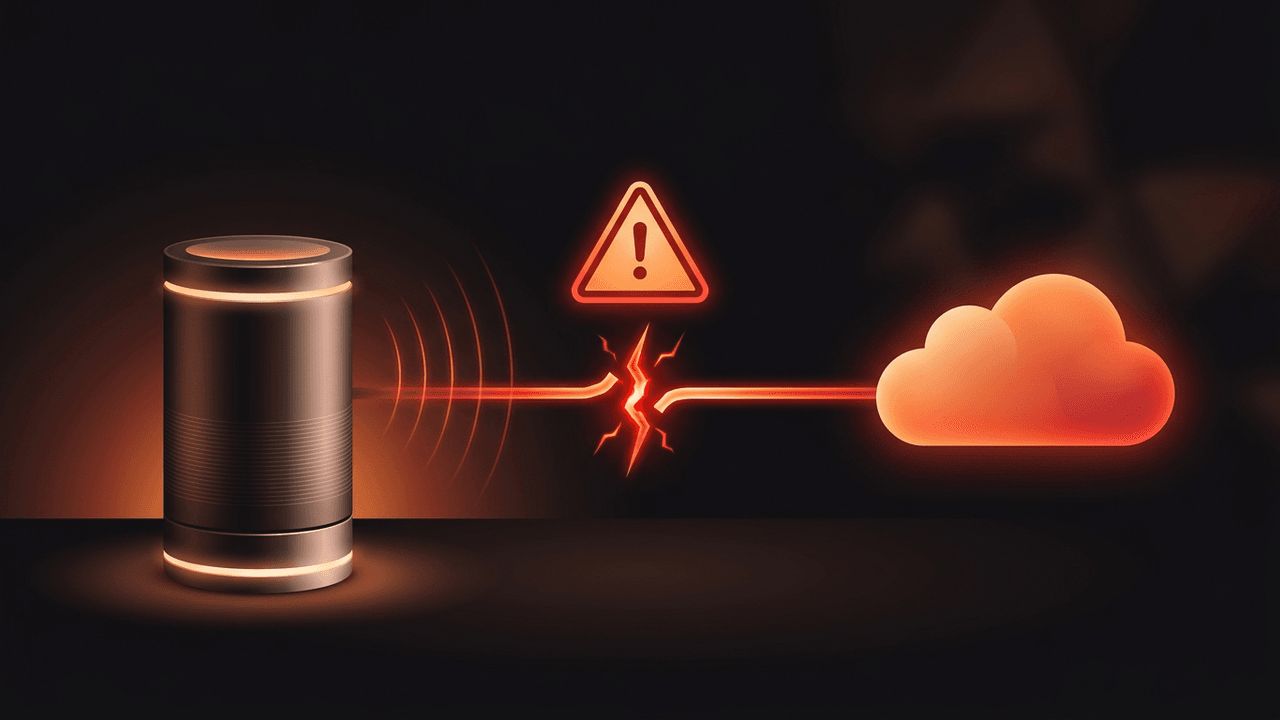
Few things are more frustrating than asking your smart speaker to do something and hearing an error instead. One message many users encounter is "Could not execute skill because the web API request failed." It typically appears with voice assistant platforms such as Amazon Alexa when a skill, which is essentially a voice-powered app, cannot successfully communicate with the online service it depends on. While the message sounds technical, the causes are usually straightforward. This article explains what the error means, how everyday users can resolve it, and how developers can build skills and APIs that avoid it altogether.
How AAMAX.CO Builds Reliable Web Services and APIs
Errors like this often trace back to the reliability of the web services behind an app. AAMAX.CO is a full-service digital marketing company offering web development, digital marketing, and SEO services worldwide. Their developers build robust websites and web applications with dependable back-end architecture, proper error handling, and scalable hosting. Businesses that power voice experiences, mobile apps, or integrations with their own APIs can rely on them to create stable services that respond quickly and fail gracefully.
What Does the Error Mean?
When you invoke a skill, your voice assistant converts your speech into a structured request and sends it to the skill's back end, often hosted on AWS Lambda or a custom web server. That back end may then call additional web APIs, such as weather services, smart home platforms, or account databases. If any link in that chain fails, times out, or returns an unexpected response, the assistant cannot complete the action and reports that the web API request failed.
Common Causes for Users
- Internet connectivity issues: A weak or unstable Wi-Fi connection prevents requests from reaching the cloud.
- Expired account linking: Skills connected to third-party accounts may lose authorization after password changes or token expiry.
- Service outages: The skill's provider or a dependent service may be temporarily down.
- Outdated device software: Older firmware can cause compatibility issues.
- Skill bugs or deprecation: The skill may be poorly maintained or discontinued.
How Users Can Fix the Error
Start with the basics. Restart your smart speaker by unplugging it for thirty seconds, then plug it back in. Restart your router as well, and confirm other devices can access the internet. Next, open the companion app, find the skill, and disable it, then re-enable it and relink your account if prompted. This refreshes authorization tokens, which resolves a large percentage of cases.
If the problem persists, check whether the service behind the skill is experiencing an outage by visiting its status page or social media accounts. Make sure your device software is up to date. If the skill still fails, contact the skill developer through the support link in its listing, or consider an alternative skill that offers similar functionality.
Common Causes for Developers
From a developer's perspective, this error usually indicates that the endpoint did not respond correctly. Common culprits include function timeouts, unhandled exceptions, invalid response formats, expired SSL certificates, misconfigured endpoints, and rate limits from downstream APIs. Cold starts in serverless environments can also push response times beyond the platform's timeout window, especially when the function initializes heavy libraries or database connections.
How Developers Can Prevent the Error
Resilient design starts with performance. Keep response times well under platform limits by optimizing code, caching frequent responses, and reusing database connections. Implement timeouts and retries with exponential backoff when calling third-party APIs, and return a friendly fallback response if a dependency fails rather than letting the whole request crash.
Validate every response against the expected schema, and log errors with enough context to diagnose issues quickly. Monitoring tools such as CloudWatch, Datadog, or Sentry help you spot failures before users report them. Maintain valid SSL certificates and automate their renewal. For account linking, handle token refresh properly and prompt users clearly when reauthorization is needed.
These same principles apply to any connected product. Professional web application development includes building APIs with proper authentication, graceful error handling, scalable infrastructure, and observability so integrations remain dependable as usage grows.
Testing Skills and APIs Thoroughly
Test your skill under realistic conditions, including slow networks, expired tokens, and downstream outages. Use automated tests to verify that every intent returns a valid response. Load test your back end to make sure it handles traffic spikes, such as holiday seasons when new devices come online. Staged rollouts and versioned APIs prevent breaking changes from reaching all users at once.
Why Reliability Matters for Your Brand
For businesses offering voice experiences, every failed request erodes trust. Users quickly abandon skills that do not work, and poor reviews reduce discoverability in skill stores. Investing in reliable infrastructure and thoughtful error handling protects your brand and ensures your voice channel becomes an asset rather than a liability.
Final Thoughts
The "Could not execute skill because the web API request failed" error is usually a connectivity, authorization, or back-end reliability issue. Users can typically fix it by restarting devices, relinking accounts, and checking for outages. Developers can prevent it by building fast, well-monitored APIs with graceful fallbacks. When the web services behind your product are built properly, your users enjoy smooth, dependable experiences every time they speak.