
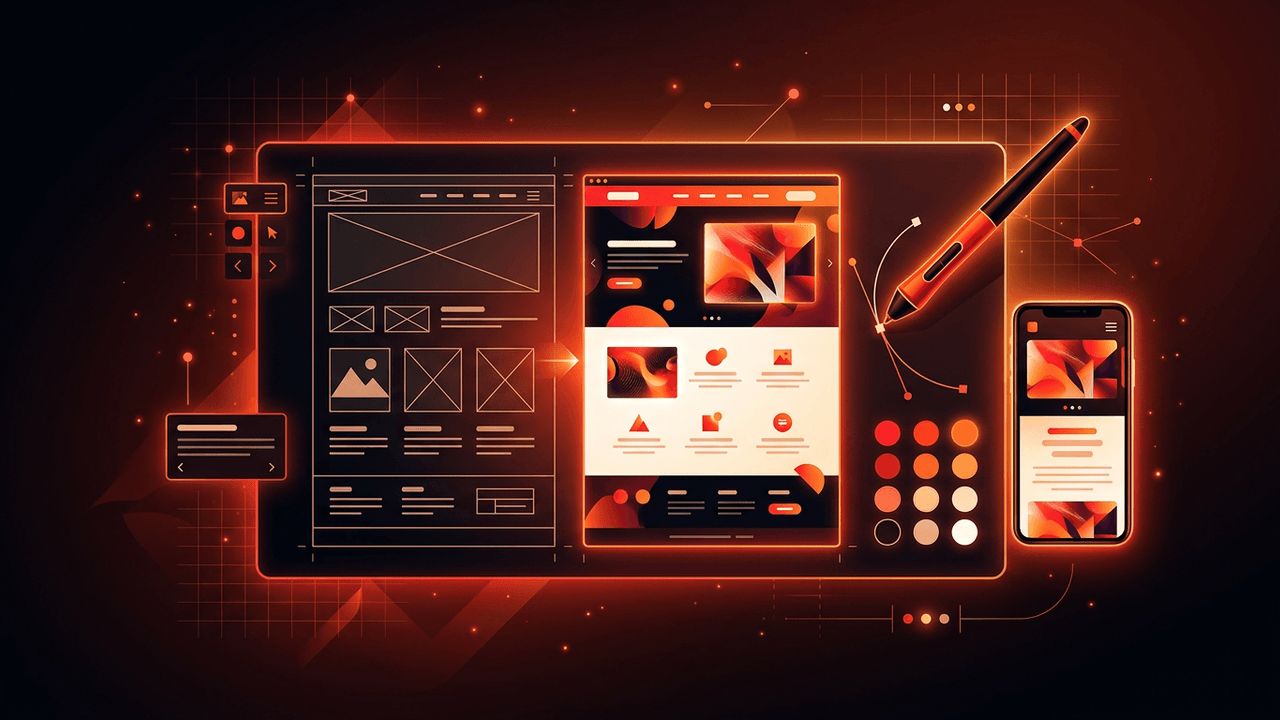
Designing a website is both an art and a science. It requires creativity to craft a visual identity that stands out and strategic thinking to ensure every element serves a purpose. A great website design guides visitors effortlessly, communicates your brand clearly, and encourages people to take action. So how do you design a website that achieves all of this? In this guide, we walk through the professional website design process step by step, from research and planning to wireframes, visual design, and handoff for development.
How AAMAX.CO Approaches Professional Website Design
Professional design starts with understanding the business behind the website. AAMAX.CO is a full-service digital marketing company offering web development, digital marketing, and SEO services worldwide. Their design process blends brand strategy, user research, and conversion optimization to create websites that are visually striking and highly functional. Because they handle development and SEO as well, their designs are crafted with performance and search visibility in mind, ensuring their clients receive a website that looks exceptional and drives growth.
Step 1: Discover Goals and Audience
Every successful design begins with research. Start by answering key questions: What is the purpose of the website? Who is the target audience? What problems do they need solved? What actions should they take? Studying competitors also helps you identify industry standards and opportunities to differentiate. This discovery phase creates a foundation for every design decision that follows.
Step 2: Define the Site Structure
Information architecture is the blueprint of your website. Create a sitemap that lists every page and shows how they connect. Group related content logically and keep navigation simple. A clear structure helps users find information quickly and helps search engines understand the relationships between your pages.
Step 3: Create Wireframes
Wireframes are simple, low-fidelity layouts that show where content and functionality will appear on each page. They focus on structure rather than colors or images. Wireframing allows you to plan the user journey, position calls to action strategically, and test ideas quickly before investing time in detailed visuals. Common wireframe elements include headers, hero sections, content blocks, forms, and footers.
Step 4: Establish a Visual Identity
Next, define the visual language of your website. This includes:
- Color palette: Choose a limited set of brand colors, including primary, accent, and neutral tones with strong contrast for readability.
- Typography: Select one or two fonts that are readable and reflect your brand personality.
- Imagery: Decide on a consistent style for photos, illustrations, and icons.
- Spacing and grid: Use a consistent grid system and spacing scale to create visual harmony.
Many teams compile these decisions into a style guide or design system to ensure consistency across every page.
Step 5: Design High-Fidelity Mockups
With wireframes and a visual identity in place, create detailed mockups using design tools like Figma. Mockups show exactly how each page will look, including real content, images, colors, and typography. Pay close attention to visual hierarchy: the most important information should stand out first through size, color, and placement.
Step 6: Design for Mobile First
Most visitors will view your site on a smartphone, so design for small screens first and then scale up to tablets and desktops. Mobile-first design forces you to prioritize essential content and simplify navigation. Ensure buttons are large enough to tap, text is readable without zooming, and layouts stack naturally on narrow screens.
Step 7: Focus on User Experience and Accessibility
Good design is inclusive. Follow accessibility best practices so everyone, including people with disabilities, can use your site:
- Maintain sufficient color contrast between text and backgrounds.
- Use clear, descriptive labels on forms and buttons.
- Provide alt text for meaningful images.
- Ensure the site can be navigated with a keyboard.
- Avoid relying on color alone to convey information.
Accessible design improves usability for all visitors and supports better SEO.
Step 8: Prototype and Test
Interactive prototypes let you click through your design as if it were a real website. Share prototypes with stakeholders and real users to gather feedback. Watch how people navigate, where they hesitate, and whether they can complete key tasks. Use these insights to refine your design before development begins.
Step 9: Hand Off to Development
Once the design is approved, it is handed off to developers who turn it into a functioning website. Clear documentation, organized design files, and a defined component library make this process smooth. Close collaboration between designers and developers ensures the final product matches the vision while remaining fast, secure, and scalable. Expert website development is essential to bring a design to life without compromising performance.
Design Principles to Keep in Mind
- Simplicity: Remove anything that does not serve the user or the goal.
- Consistency: Use the same patterns, colors, and styles throughout.
- Clarity: Make every headline, button, and section easy to understand.
- White space: Give content room to breathe for better readability.
- Purposeful motion: Use animation sparingly to guide attention, not distract.
Why Professional Design Matters
While DIY tools make it possible to design a basic site, professional website design brings strategic insight, refined aesthetics, and proven conversion techniques. Professionals know how to balance brand expression with usability and how to design experiences that turn visitors into customers.
Final Thoughts
Designing a website involves research, planning, structure, visual identity, mobile-first thinking, accessibility, testing, and collaboration with developers. Following a clear, step-by-step process ensures your final design is beautiful, functional, and aligned with your business goals. When done right, website design becomes one of the most powerful tools for building trust and growing your brand online.