
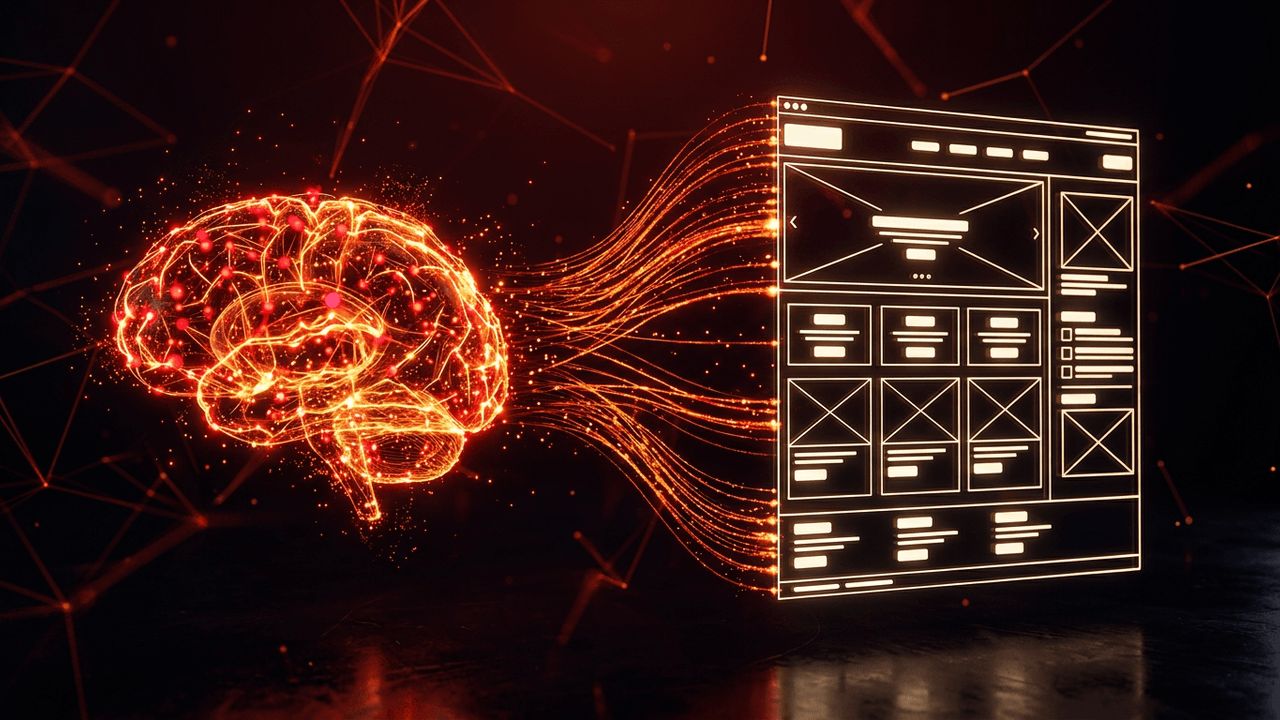
Artificial intelligence has rapidly become one of the most talked-about forces in web design. AI-powered tools can now generate layouts, suggest color palettes, write content, create images, and even produce working code from simple text prompts. For business owners and designers, this raises important questions about how AI web design actually works, what it can and cannot do, and how to use it effectively. This guide explains the technology behind AI web design, the typical workflow, the benefits it offers, and why human expertise remains essential for creating truly effective websites.
How AAMAX.CO Combines AI Innovation With Human Expertise
AI tools can accelerate the design process, but strategy, creativity, and quality control still require skilled professionals. AAMAX.CO is a full service digital marketing company offering web development, digital marketing, and SEO services worldwide. They thoughtfully integrate modern AI capabilities into their workflows to speed up research, prototyping, and content creation, while their experienced team ensures every website is on-brand, accessible, and strategically sound. Their website design services deliver the efficiency of AI with the judgment and craftsmanship that only human experts provide.
What Is AI Web Design?
AI web design refers to the use of artificial intelligence technologies to assist with or automate parts of the website creation process. This includes generating design layouts, recommending styles, producing written and visual content, building code, personalizing user experiences, and analyzing user behavior to suggest improvements. AI web design tools range from simple assistants built into website builders to advanced systems that generate full applications.
The Technologies Behind AI Web Design
Several AI technologies power modern web design tools. Large language models understand natural language prompts and generate text, code, and structured content. Image generation models create illustrations, photos, and graphics from descriptions. Computer vision systems analyze existing designs or screenshots to extract layouts and styles. Machine learning algorithms analyze user behavior data to identify patterns and recommend optimizations. Together, these technologies allow AI tools to understand intent and produce relevant design outputs.
Step 1: Understanding the Prompt or Input
Most AI web design workflows begin with user input. This might be a text prompt describing the desired website, answers to a short questionnaire about the business, an uploaded logo, or a reference screenshot. The AI analyzes this input to understand the business type, goals, target audience, and stylistic preferences.
Step 2: Generating Structure and Layout
Based on the input, the AI proposes a site structure, such as a sitemap with pages like Home, About, Services, and Contact. It then generates layouts for each page, drawing on patterns learned from large numbers of existing designs. These layouts typically include common sections such as hero banners, feature grids, testimonials, and call-to-action areas arranged in a logical flow.
Step 3: Applying Visual Styles
AI tools suggest color palettes, typography pairings, spacing systems, and imagery styles that align with the brand and industry. Some tools extract colors from an uploaded logo, while others generate options based on descriptive keywords like modern, playful, or luxurious. Users can usually refine these suggestions with additional prompts or manual adjustments.
Step 4: Creating Content
Language models can draft headlines, page copy, product descriptions, and calls to action tailored to the business. Image generation models can produce custom visuals. While these outputs provide a helpful starting point, they should be reviewed and edited to ensure accuracy, brand voice, and originality.
Step 5: Generating Code
Advanced AI tools can translate designs into functional code using modern frameworks and styling systems. They can create responsive layouts, interactive components, and even connect to databases or APIs. Developers can then review, refine, and extend this code, significantly reducing the time required to build prototypes and production-ready features.
Step 6: Personalization and Optimization
After launch, AI can continue improving websites. It can personalize content based on visitor behavior, recommend products, optimize layouts through automated testing, and analyze heatmaps and analytics to identify friction points. Some tools provide automated SEO suggestions and accessibility checks.
Benefits of AI Web Design
AI web design offers speed, cost efficiency, and accessibility. It allows businesses to create prototypes quickly, explore multiple design directions, and launch simple sites faster. For professional teams, AI handles repetitive tasks so designers and developers can focus on strategy, creativity, and complex problem-solving.
Limitations and Considerations
Despite its strengths, AI has limitations. Generated designs can feel generic if not customized. AI may produce inaccurate content, inaccessible color combinations, or code that requires refinement for security and performance. It lacks a deep understanding of a company's unique strategy, customers, and competitive positioning. Human oversight is essential for quality, originality, and brand alignment.
The Future of AI in Web Design
AI will continue to evolve, becoming more capable of understanding context and producing sophisticated, production-ready outputs. The most successful approach combines AI's speed with human creativity and strategic thinking, creating websites that are both efficient to build and genuinely effective.
Conclusion
AI web design works by interpreting user input, generating structure and layouts, applying visual styles, creating content and code, and continuously optimizing user experiences. It offers remarkable speed and efficiency, but it works best when guided by experienced professionals who ensure every website is strategic, accessible, and truly representative of the brand.