
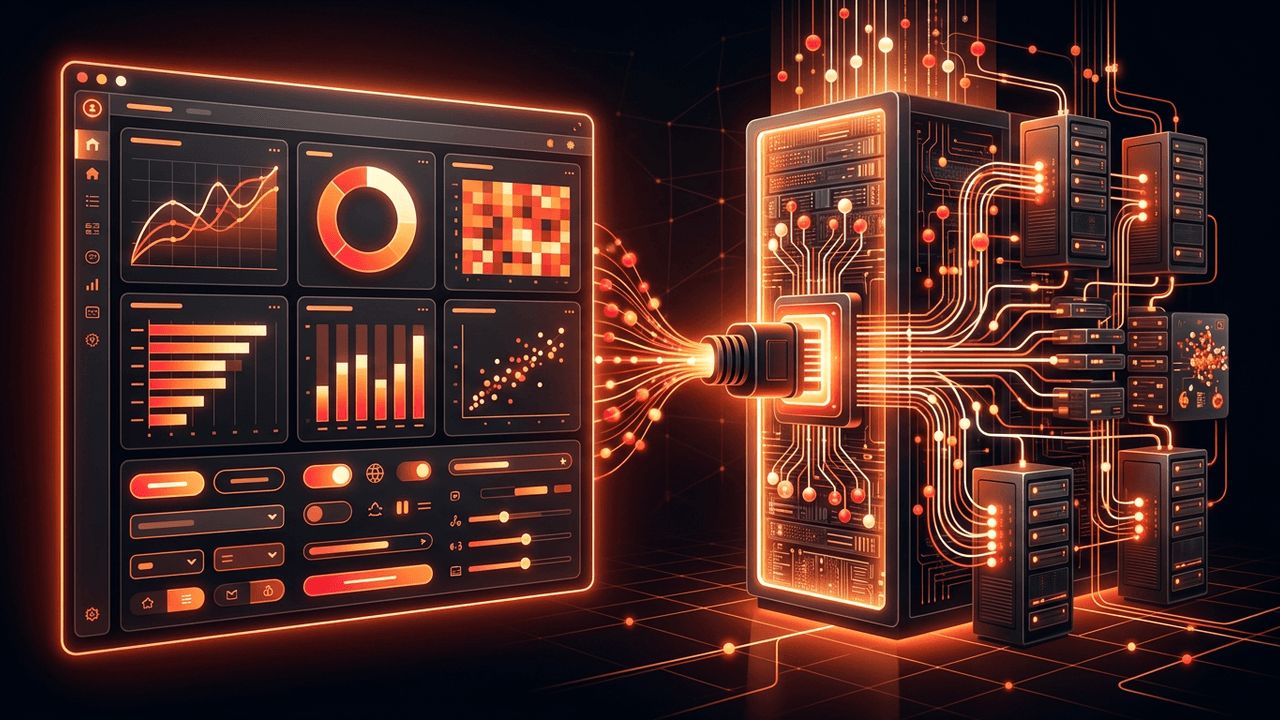
Modern digital products rely on a variety of technologies working together behind the scenes. Two terms that frequently come up in conversations about software are "API" and "web application." They are closely connected, and many web applications depend on APIs to function, but they are not the same thing. So, how is an API different from a web application? In simple terms, a web application is software that people interact with through a browser, while an API is an interface that allows software systems to communicate with each other. This article explores both concepts in depth, explains how they work together, and highlights why the distinction matters for businesses.
How AAMAX.CO Builds Web Applications and APIs That Work Together
Building reliable digital products often requires both user-friendly applications and robust APIs. AAMAX.CO is a full-service digital marketing company offering web development, digital marketing, and SEO services worldwide. Their developers design and build custom web applications with intuitive interfaces, along with secure, scalable APIs that connect those applications to databases, third-party services, and mobile apps. By architecting both layers thoughtfully, they help businesses create flexible systems that grow with their needs.
What Is a Web Application?
A web application is an interactive software program that runs in a web browser. Unlike a static website that mainly displays information, a web application allows users to perform tasks, manipulate data, and interact with services in real time.
Examples of web applications include:
- Online banking platforms
- Email clients like web-based inboxes
- Project management tools
- E-commerce dashboards
- Social media platforms
- Online document editors
A web application typically includes a front end, which is the user interface built with HTML, CSS, and JavaScript, and a back end, which handles business logic, authentication, and data storage.
What Is an API?
API stands for Application Programming Interface. It is a set of rules and endpoints that allows different software systems to communicate. Rather than providing a visual interface for humans, an API provides a structured way for programs to request and exchange data.
A common analogy is a restaurant waiter. You (the client) tell the waiter (the API) what you want, the waiter communicates your order to the kitchen (the server), and then brings back your food (the data). You never interact with the kitchen directly.
Examples of APIs include:
- Payment APIs that process credit card transactions
- Map APIs that display locations and directions
- Weather APIs that provide forecast data
- Social media APIs that allow sharing and login
- Internal APIs that connect a company's front end to its database
Key Differences Between an API and a Web Application
1. Intended User
A web application is designed for humans. It has buttons, forms, menus, and visual feedback. An API is designed for software. Developers use it to connect systems programmatically.
2. User Interface
Web applications have graphical user interfaces. APIs typically have no visual interface; they exchange data in formats like JSON or XML.
3. Purpose
A web application delivers a complete experience or service to end users. An API provides access to specific functions or data that other applications can use.
4. Interaction Method
Users interact with web applications through clicks, typing, and navigation. Applications interact with APIs through HTTP requests, such as GET, POST, PUT, and DELETE, sent to specific endpoints.
5. Output
A web application outputs rendered pages and interactive elements. An API outputs raw data that other software interprets and displays.
How APIs and Web Applications Work Together
In modern architecture, APIs and web applications are often deeply connected. A typical flow looks like this:
- A user clicks a button in the web application to view their order history.
- The front end sends a request to the back-end API.
- The API authenticates the user and retrieves data from the database.
- The API returns the data in JSON format.
- The web application displays the order history in a user-friendly layout.
This separation allows the same API to power multiple experiences, such as a web application, a mobile app, and partner integrations, all using the same data and business logic.
Types of APIs
- REST APIs: The most common type, using standard HTTP methods and URLs.
- GraphQL APIs: Allow clients to request exactly the data they need.
- WebSocket APIs: Enable real-time, two-way communication.
- Public APIs: Available to external developers.
- Private APIs: Used internally within an organization.
When Does a Business Need Each?
A business needs a web application when it wants to offer interactive tools or services directly to users, such as customer portals, booking systems, or SaaS products. Professional web application development ensures these tools are secure, scalable, and easy to use.
A business needs an API when it wants to share data between systems, power mobile apps, integrate with partners, or build a flexible architecture. Many companies need both, with the API serving as the backbone and the web application as the face of the product.
Even marketing websites increasingly rely on APIs to pull in content from headless CMS platforms, product data, or reviews. Skilled website development teams know how to integrate these services efficiently.
Benefits of Separating APIs From Front Ends
- Reuse the same logic across web, mobile, and other platforms
- Scale front end and back end independently
- Enable faster development by separate teams
- Improve security by controlling data access centrally
- Simplify integrations with third-party services
Conclusion
So, how is an API different from a web application? A web application is interactive software designed for people to use in a browser, while an API is an interface that allows software systems to communicate and exchange data. Web applications often rely on APIs behind the scenes, and together they form the foundation of modern digital products. Understanding the difference helps businesses make smarter decisions about architecture, integrations, and long-term scalability.