
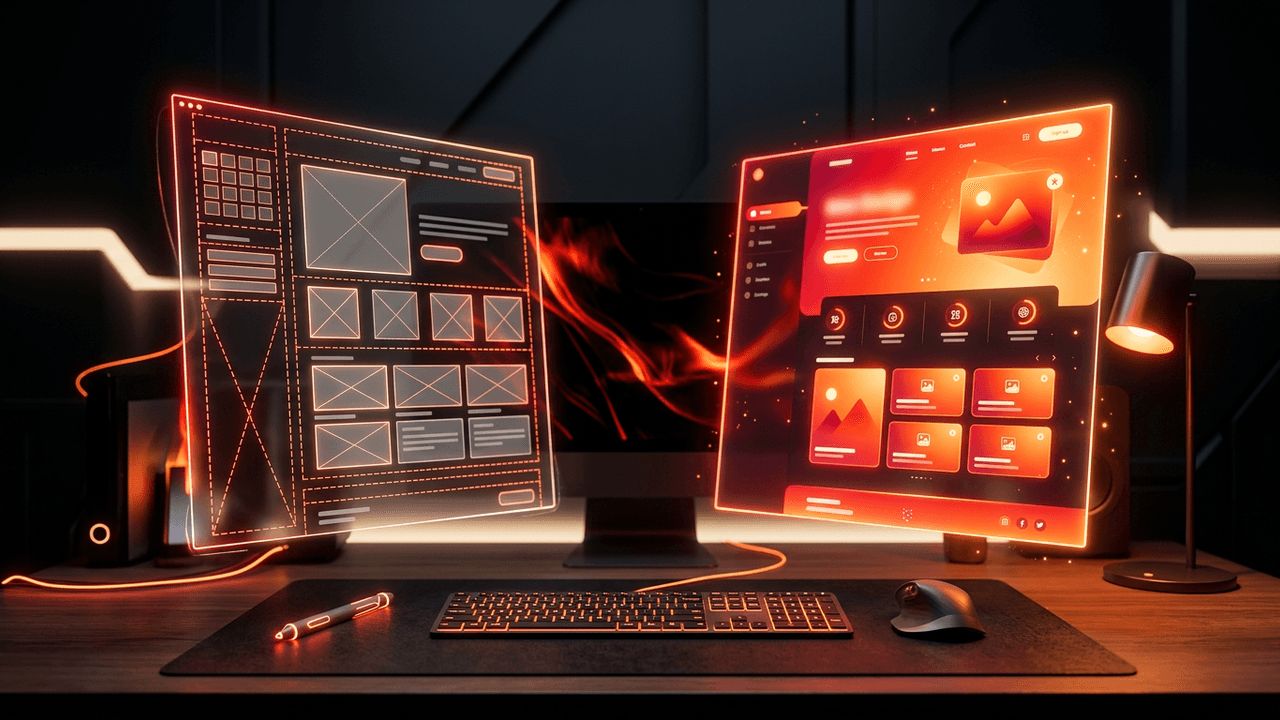
Designers, developers, marketers, and educators frequently need web pages that look real but are not intended to go live as finished products. These "fake" webpages, more accurately called mockups, prototypes, demo pages, or placeholder pages, are essential for testing ideas, presenting concepts to clients, teaching web development, and validating user experiences before investing in full development. If you are wondering how to create a fake webpage for legitimate purposes such as prototyping or testing, this guide explains the tools, techniques, and ethical guidelines you need to know.
How AAMAX.CO Turns Prototypes into Real Websites
A prototype or mockup is only the first step toward a successful website. AAMAX.CO is a full-service digital marketing company offering web development, digital marketing, and SEO services worldwide. They use wireframes, interactive prototypes, and demo pages to validate concepts with clients before development begins, reducing costly revisions later. Once a design is approved, their team transforms it into a fully functional, search-optimized website. Their structured process ensures that what clients see in a prototype becomes a polished, high-performing reality.
What Is a Fake Webpage and Why Create One?
In professional contexts, a fake webpage is a non-production page that simulates the look and feel of a real website. Common legitimate uses include:
- Design mockups: Showing clients or stakeholders how a page will look before development.
- Interactive prototypes: Testing navigation and user flows with real users.
- Landing page tests: Gauging interest in a product idea before building it.
- Education and training: Teaching HTML, CSS, and web design concepts.
- Development placeholders: Holding a space while the real site is being built.
- Security awareness training: Authorized internal exercises that teach employees to recognize suspicious sites.
An Important Note on Ethics and Legality
Creating a webpage that impersonates a real brand, bank, government agency, or individual in order to deceive people is illegal and harmful. Phishing pages, fraudulent stores, and fake login screens violate laws in nearly every country and can cause serious damage. Always use original branding or clearly fictional names, label demo content as such, keep prototypes private or password-protected, and obtain permission before using any third-party trademarks. Responsible practitioners use mockups to build better products, never to mislead.
Method 1: Use Design Tools for Static Mockups
Design tools let you create realistic web page visuals without writing code:
- Figma: Free collaborative design tool with web templates and UI kits.
- Penpot: Open-source design and prototyping platform.
- Adobe XD and Sketch: Professional tools for interface design.
- Canva: Simple templates for quick website mockups.
Start with a wireframe that outlines layout and structure, then add colors, typography, and imagery for a high-fidelity mockup.
Method 2: Build Clickable Prototypes
Clickable prototypes simulate real interactions. In Figma, you can link frames together so that clicking a button navigates to another screen. Tools such as ProtoPie and Framer add advanced animations and logic. Prototypes are invaluable for usability testing, allowing you to observe how real users navigate your design and identify confusion before development.
Method 3: Code a Demo Page with HTML and CSS
For a more realistic experience, create a demo webpage using code. Set up a simple project with an HTML file and a CSS file. Use placeholder content such as "Lorem ipsum" text and sample images from services like Unsplash. Add a fictional company name and logo to avoid confusion with real brands. Online editors such as CodePen or StackBlitz let you build and share demo pages instantly without installing software.
Method 4: Use Website Builders for Quick Demos
Website builders such as Wix, Carrd, or Webflow make it easy to create realistic demo pages in minutes. Choose a template, replace content with your concept, and preview it. Many builders let you keep sites unpublished or password-protected, which is ideal for client presentations and internal testing.
Method 5: Create Landing Page Experiments
Marketers often create test landing pages to validate demand for a product. These pages describe a concept and invite visitors to join a waitlist or request more information. To remain ethical, be transparent: clearly state that the product is in development and never collect payment for items that do not exist.
Best Practices for Realistic Mockups
- Use realistic content rather than generic filler whenever possible to evaluate design accurately.
- Design for multiple screen sizes to understand responsive behavior.
- Follow accessibility guidelines, including color contrast and readable fonts.
- Keep a consistent design system with defined colors, typography, and components.
- Gather feedback early and iterate frequently.
Moving from Mockup to Production
Once your mockup or prototype is validated, the next step is turning it into a real, functioning website. This involves writing production-quality code, integrating content management, optimizing performance, and ensuring security. Professional website design teams can refine your prototype and ensure the final product is polished, accessible, and ready for real visitors.
Final Thoughts
Learning how to create a fake webpage in the form of mockups, prototypes, and demo pages is a valuable skill for anyone involved in web projects. These tools help you test ideas, communicate concepts, and reduce development risk. Use design tools, prototyping platforms, code editors, or website builders depending on your needs, and always follow ethical guidelines by using original or fictional branding. When your concept is ready, transform it into a real website that delivers lasting value.