
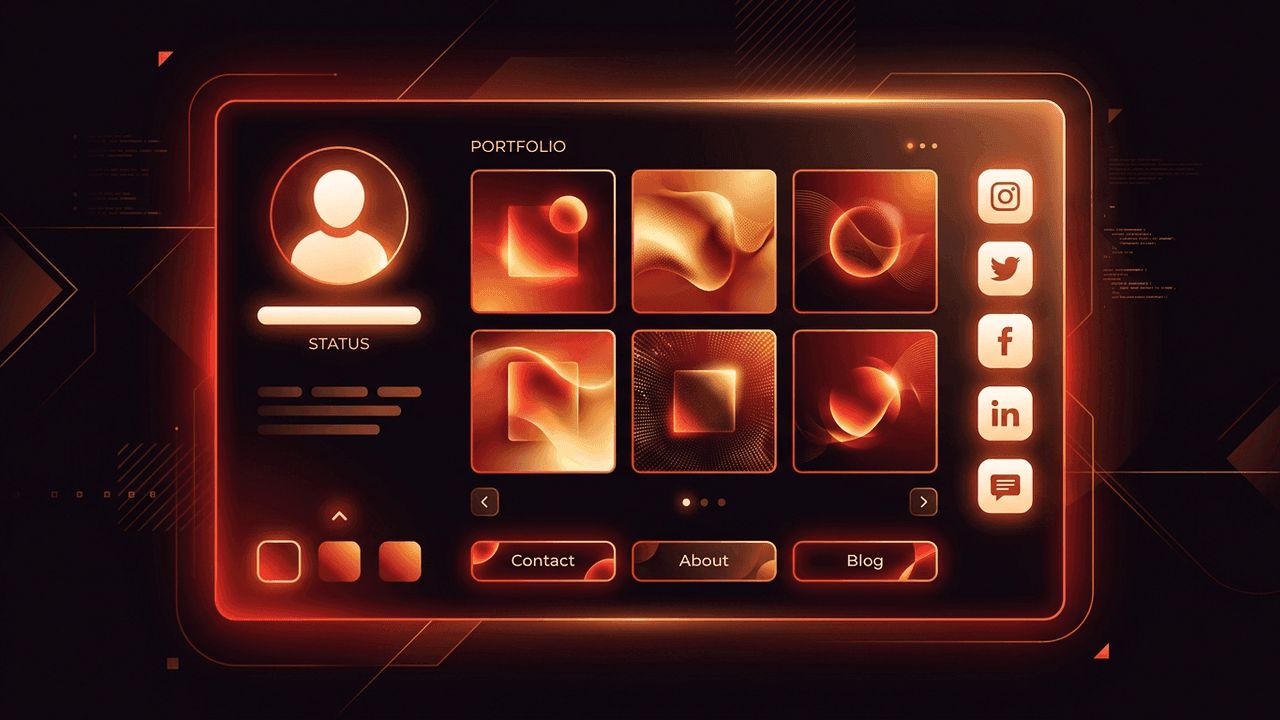
A personal web page is one of the most powerful tools for building your reputation online. It acts as a digital business card, portfolio, and resume all in one. Employers, clients, collaborators, and friends can learn about you, see your work, and reach out with ease. Best of all, you can create one without spending a cent. This guide explains how to create a free personal web page, from choosing a platform to writing content that makes a memorable impression.
Elevate Your Personal Brand With AAMAX.CO
If you want your personal page to stand out from the crowd, consider working with AAMAX.CO. They are a full-service digital marketing company offering web development, digital marketing, and SEO services worldwide. Their team helps professionals, creatives, and entrepreneurs build polished personal websites that showcase skills, highlight achievements, and rank well when people search their names. They can also upgrade a free page into a fully branded site when you are ready to grow.
Why You Need a Personal Web Page
A personal web page gives you control over your online identity. Instead of relying solely on social media profiles, you have a central place that tells your story your way. Benefits include:
- Showcasing your portfolio, projects, or writing.
- Making a strong impression on recruiters and clients.
- Improving your visibility in search results for your name.
- Sharing your expertise and building credibility.
- Providing an easy way for people to contact you.
Best Free Platforms for Personal Web Pages
- Carrd: Ideal for sleek, single-page personal sites with modern templates.
- Google Sites: Simple, ad-free, and integrated with Google Drive.
- Wix: Highly customizable with many portfolio templates.
- WordPress.com: Great if you plan to blog regularly.
- GitHub Pages: Perfect for developers who want to code their own page and host it for free.
- About.me and similar profile services: Quick, minimalist landing pages focused on bio and links.
Step 1: Clarify Your Goal
Decide what you want your personal page to achieve. Are you job hunting, attracting freelance clients, displaying creative work, or sharing a blog? Your goal determines which sections to include and the tone of your content.
Step 2: Choose a Platform and Template
Sign up for a free account on the platform that suits your goal and skills. Browse templates designed for personal portfolios or resumes. Choose a layout that highlights the content most important to you, such as a large hero image for photographers or a clean text layout for writers.
Step 3: Write a Compelling Introduction
Your headline and introduction are the first things visitors see. Clearly state who you are and what you do in one or two sentences. For example, "I am a UX designer helping startups create intuitive digital products." Keep it friendly, confident, and specific.
Step 4: Add Essential Sections
Most effective personal web pages include:
- About: A brief bio covering your background, skills, and interests.
- Portfolio or projects: Examples of your best work with short descriptions.
- Experience or resume: Key roles, achievements, and education.
- Testimonials: Quotes from clients, colleagues, or mentors.
- Contact: An email address, contact form, and links to professional social profiles.
Step 5: Use a Professional Photo
A clear, friendly headshot builds trust and makes your page more personal. Use a high-quality photo with good lighting and a simple background. Add descriptive alt text for accessibility.
Step 6: Keep the Design Clean
Simplicity works best for personal pages. Use plenty of whitespace, one or two fonts, and a limited color palette that reflects your personality. Strong website design principles, including visual hierarchy and consistent spacing, help your content shine and keep visitors focused on what matters.
Step 7: Optimize for Search
Help people find your page when they search your name. Include your full name in the page title, headline, and meta description. Mention your profession and location if relevant. Link to your page from your social media profiles and email signature to build visibility.
Step 8: Test and Publish
Preview your page on desktop and mobile, check all links, and proofread your content carefully. Once everything looks right, publish your page and share it widely.
Upgrading Your Free Personal Page
Free plans usually include a platform subdomain and may limit customization. Connecting a custom domain, such as yourname.com, instantly makes your page more professional. As your career grows, you might want a blog, a client booking system, or interactive portfolio features. Professional website development can expand your free page into a fully featured personal brand website.
Tips for Maintaining Your Personal Web Page
- Update your portfolio with new work regularly.
- Refresh your bio when your role or goals change.
- Add new testimonials as you receive them.
- Check links periodically to make sure they still work.
Conclusion
Learning how to create a free personal web page is a simple yet impactful way to build your online presence. Choose a free platform, select a clean template, write a compelling introduction, showcase your best work, and make it easy for people to contact you. With a little effort, your personal page can open doors to new jobs, clients, and opportunities.