
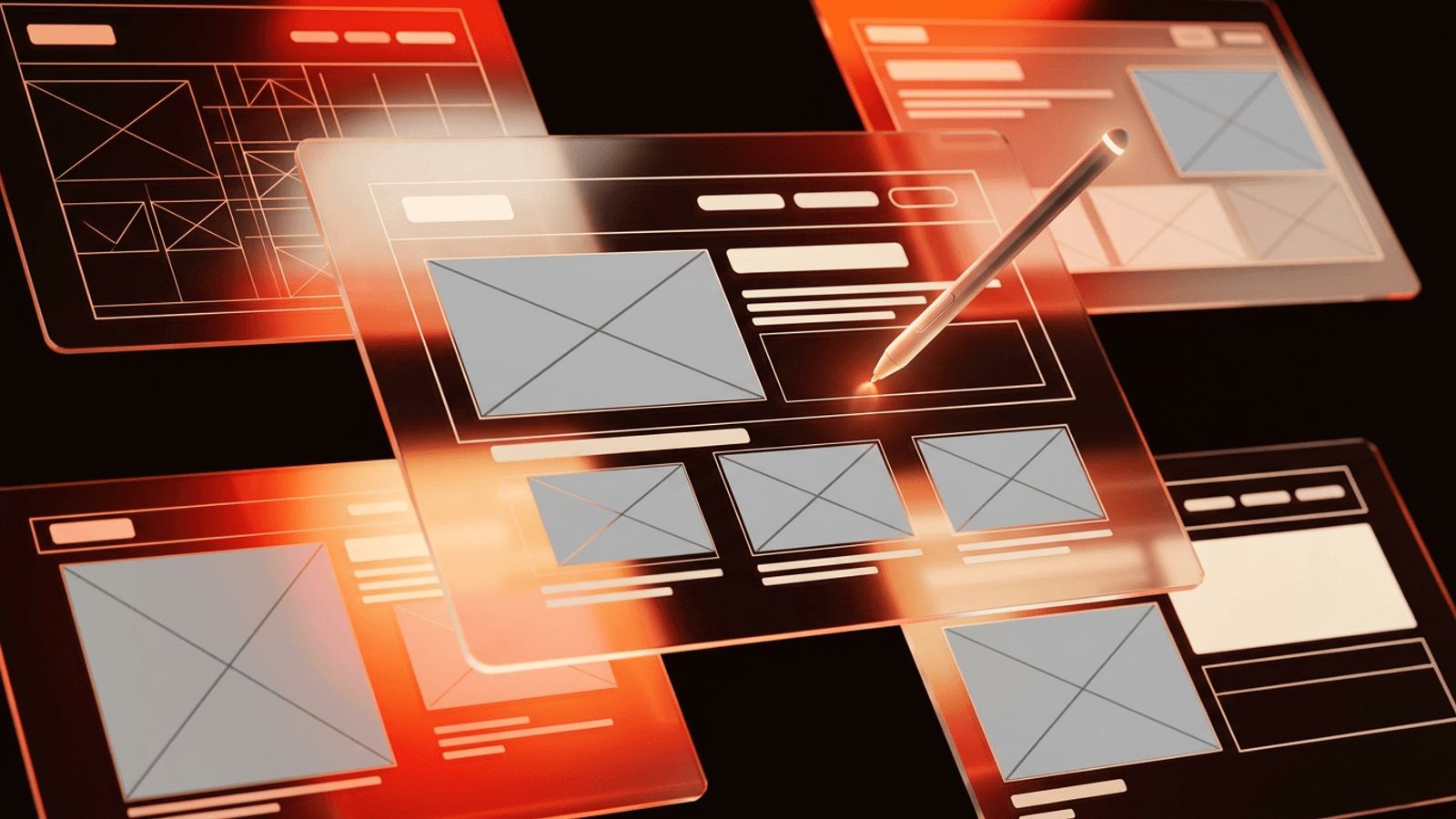
When people search for how to make a fake webpage, they are usually looking for a way to create a mockup, prototype, demo, or placeholder page. These "fake" pages are not meant to deceive anyone. Instead, they help teams visualize ideas, test layouts, gather feedback, and present concepts to clients before investing in full development. In this guide, you will learn practical methods for creating mock web pages, the tools that make it easy, and the ethical boundaries you should always respect.
Turn Your Prototype into a Real Website with AAMAX.CO
A prototype is only valuable if it eventually becomes something real. AAMAX.CO is a full service digital marketing company that offers web development, digital marketing, and SEO services worldwide. Their designers and developers can take your mockups and wireframes and transform them into fully functional, responsive websites. They also help businesses create interactive prototypes during the planning phase, ensuring stakeholders can click through a realistic experience before development begins. With them, the journey from concept to launch is smooth and well organized.
What Is a Fake Webpage?
In web design, a fake webpage is any page that simulates the look or behavior of a real site without being a live, production-ready product. Common types include:
- Wireframes: Low-fidelity layouts that show structure without detailed visuals.
- Mockups: High-fidelity static designs that show colors, typography, and imagery.
- Prototypes: Clickable simulations that mimic navigation and interactions.
- Demo or sandbox pages: Test environments used for training, QA, or showcasing features.
- Placeholder pages: "Coming soon" pages that hold a domain while the real site is built.
Important: Stay Ethical and Legal
Before going further, it is essential to draw a clear line. Creating a page that imitates another company's login screen, bank portal, or brand in order to trick people into sharing information is phishing, which is illegal and harmful. Never copy another organization's branding to mislead users, and never collect real personal data on a mock page. Legitimate mock pages use your own branding or obviously fictional content, are clearly labeled as demos when shared publicly, and exist purely for design, testing, or education.
Method 1: Sketch a Wireframe
The fastest way to create a fake webpage is with pen and paper or a simple wireframing tool. Draw boxes for the header, navigation, hero section, content blocks, and footer. Focus on layout and hierarchy, not colors or fonts. Tools like Balsamiq, Whimsical, or the wireframe kits in Figma make this process quick and shareable. Wireframes are perfect for early discussions because they keep attention on structure rather than aesthetics.
Method 2: Build a High-Fidelity Mockup
Once the structure is approved, move to a detailed mockup. Design tools like Figma, Adobe XD, or Sketch allow you to apply real colors, fonts, imagery, and spacing. Use placeholder text such as lorem ipsum, or better yet, draft realistic copy so stakeholders understand the final message. Professional website design teams often create several mockup variations so clients can compare different visual directions side by side.
Method 3: Create a Clickable Prototype
Static images are useful, but clickable prototypes feel much closer to the real experience. In Figma or similar tools, you can link frames together so that buttons navigate to other screens, menus open, and modals appear. Prototypes are excellent for usability testing because real users can attempt tasks while you observe where they hesitate or get confused. These insights are far cheaper to act on before development starts.
Method 4: Code a Static Demo Page
If you know some HTML and CSS, you can build a simple coded demo. Create an index.html file, add a header, sections, and a footer, and style them with CSS. Use dummy data for product lists or testimonials. This approach is helpful when you want to test responsiveness on real devices or demonstrate how a layout behaves in a browser. Free hosting services like GitHub Pages, Netlify, or Vercel let you share the demo link instantly.
Method 5: Use Browser Developer Tools
Designers sometimes want to see how a small change might look on an existing page they own. Browser developer tools let you temporarily edit text, colors, and layout directly in the browser. These edits only appear on your screen and disappear when you refresh, making them a safe way to experiment with copy changes or styling tweaks before requesting real updates.
Method 6: Set Up a Staging Environment
For larger projects, development teams use staging sites, which are private copies of a website used for testing. Staging environments let you try new features, plugins, or designs without affecting the live site. Protect staging sites with passwords and block search engines from indexing them so they never compete with your real pages.
Tips for Effective Mock Pages
- Use realistic content: Real headlines and sample data reveal layout problems that lorem ipsum hides.
- Design for mobile first: Create mobile versions alongside desktop layouts.
- Label clearly: Mark public demos as samples to avoid confusion.
- Gather feedback early: Share prototypes with users and stakeholders before finalizing.
- Keep versions organized: Name files and frames clearly to track iterations.
From Fake to Functional
Once a prototype has been tested and approved, the next step is turning it into a working site. This is where front-end and back-end developers translate designs into clean code, connect databases, and integrate forms or payment systems. If your concept includes logins, dashboards, or complex user flows, specialized web application development ensures the final product is secure, scalable, and faithful to the approved design.
Conclusion
Learning how to make a fake webpage is a valuable skill for anyone involved in building websites. Wireframes, mockups, prototypes, and staging sites help you test ideas, communicate clearly, and avoid costly mistakes. Always keep your mock pages ethical by using your own branding and never collecting real data. When your concept is ready, transform it into a polished, functional website that delivers real value to your audience.