
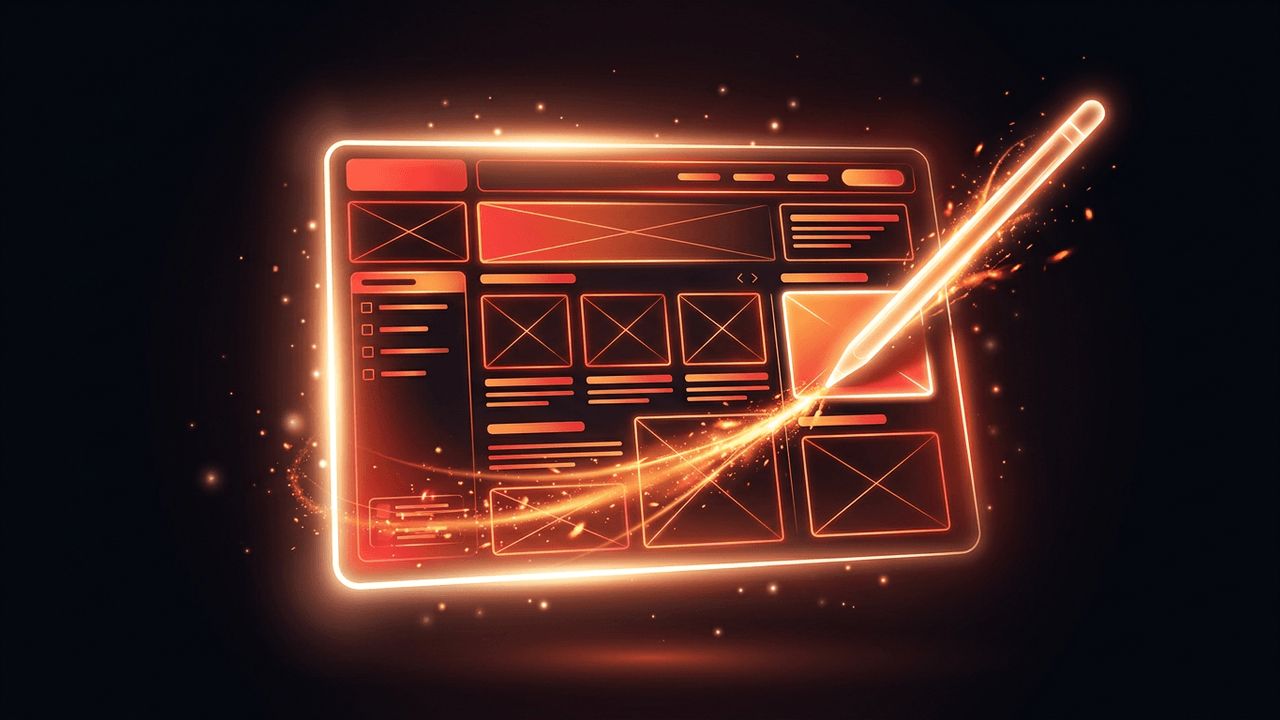
Sometimes you do not need a full website. You might want a single page to showcase your portfolio, promote an event, share a resume, collect email signups, or announce a new product. A focused web page can accomplish all of this, and you can create one without spending any money. This guide explains how to make a free web page using beginner-friendly builders or simple HTML, along with design, content, and promotion tips to make your page look professional and achieve its goal.
Take Your Web Page Further With AAMAX.CO
A free web page is a fantastic starting point, but when your goals expand, professional expertise can make a dramatic difference. AAMAX.CO is a full-service digital marketing company offering web development, digital marketing, and SEO services worldwide. They create high-converting landing pages and complete websites with custom branding, fast performance, and search optimization built in. Whether you want to upgrade a free page into a polished campaign landing page or expand it into a full website, their team provides the design, development, and marketing support to help you grow.
What Is a Single Web Page?
A single web page, often called a one-page website or landing page, presents all key information on one scrollable screen. It typically includes a headline, a short introduction, supporting sections such as features, gallery, or testimonials, and a clear call to action like a signup form or contact button. Because everything lives in one place, visitors can understand your message quickly without navigating multiple pages.
Option 1: Use a Free Web Page Builder
Free builders are the easiest way to create a web page without coding. Popular choices include:
- Carrd: Designed specifically for sleek one-page sites, with a generous free tier.
- Google Sites: Completely free and ad-free, with easy drag-and-drop editing.
- Wix and WordPress.com: Full builders that also work well for single pages.
- Notion: Lets you publish any page to the web instantly, great for resumes and simple guides.
- Link-in-bio tools: Ideal for creators who need a simple page of links for social media profiles.
Option 2: Code a Simple HTML Page and Host It Free
If you want full control and a chance to learn web development, create a basic HTML file. A minimal page includes a doctype declaration, an <html> element, a <head> with a title and meta viewport tag for mobile responsiveness, and a <body> containing your headings, paragraphs, and images. Add a CSS file for styling colors, fonts, and layout.
Once your page is ready, publish it for free using services like GitHub Pages, Netlify, Vercel, or Cloudflare Pages. These platforms provide free hosting, HTTPS, and a subdomain, and many let you deploy simply by dragging and dropping your folder.
Step-by-Step: Making Your Free Web Page
1. Define the Goal
Decide the single most important action you want visitors to take, such as booking a call, downloading a file, or subscribing to updates. Every element on your page should support that goal.
2. Outline Your Sections
Sketch a simple structure: a hero section with a headline and call to action, an introduction or about section, key benefits or features, social proof, and a final call to action with contact details.
3. Choose a Template or Layout
Select a clean, responsive template or create a simple layout with plenty of white space. Avoid clutter; a focused page is more persuasive.
4. Write Clear, Persuasive Copy
Craft a headline that communicates your value in a few words. Follow with a short supporting statement. Use bullet points to highlight benefits and keep paragraphs brief so visitors can scan quickly.
5. Add Visuals
Include high-quality images, icons, or short videos that reinforce your message. Compress images to keep the page fast, and add descriptive alt text for accessibility and SEO.
6. Insert Your Call to Action
Use a prominent button or form with action-oriented text. Make sure it stands out visually and appears both near the top and at the end of the page.
7. Optimize and Publish
Set a descriptive page title and meta description, test the page on mobile and desktop, then publish. Share the link wherever your audience can find it.
Design Tips for a Professional Look
Good design makes free pages look premium. Stick to a limited color palette, use one or two readable fonts, align elements consistently, and maintain strong contrast between text and background. Use generous spacing between sections so the page feels calm and organized. Exploring examples of professional website design can inspire layout ideas and help you understand what makes pages visually effective.
Making Your Free Web Page Discoverable
Even a single page can rank in search results with smart optimization. Include your target keyword in the page title, main headline, and body text. Submit the page to Google Search Console when possible, and share it across social profiles, email signatures, forums, and relevant online communities. Backlinks from other websites will further boost visibility.
Limitations of Free Web Pages
Free pages usually come with platform branding, a subdomain instead of a custom domain, limited analytics, and restrictions on integrations like payment processing or advanced forms. For personal projects these trade-offs are minor, but businesses may find them limiting as they grow.
When to Upgrade
Consider upgrading when your page becomes central to generating leads or revenue, when you need a custom domain for credibility, or when you want to integrate tools like CRMs, email marketing platforms, or payment gateways. Professional website development can transform a simple page into a fast, scalable, fully branded website with the features your business needs.
Conclusion
Learning how to make a free web page is a quick and rewarding way to establish your online presence. Use a free builder for speed and simplicity, or code your own HTML page and host it on a free platform for full control. Define a clear goal, write focused copy, add compelling visuals, include a strong call to action, and promote your page consistently. When your ambitions grow, you can build on that foundation with a professional website.