
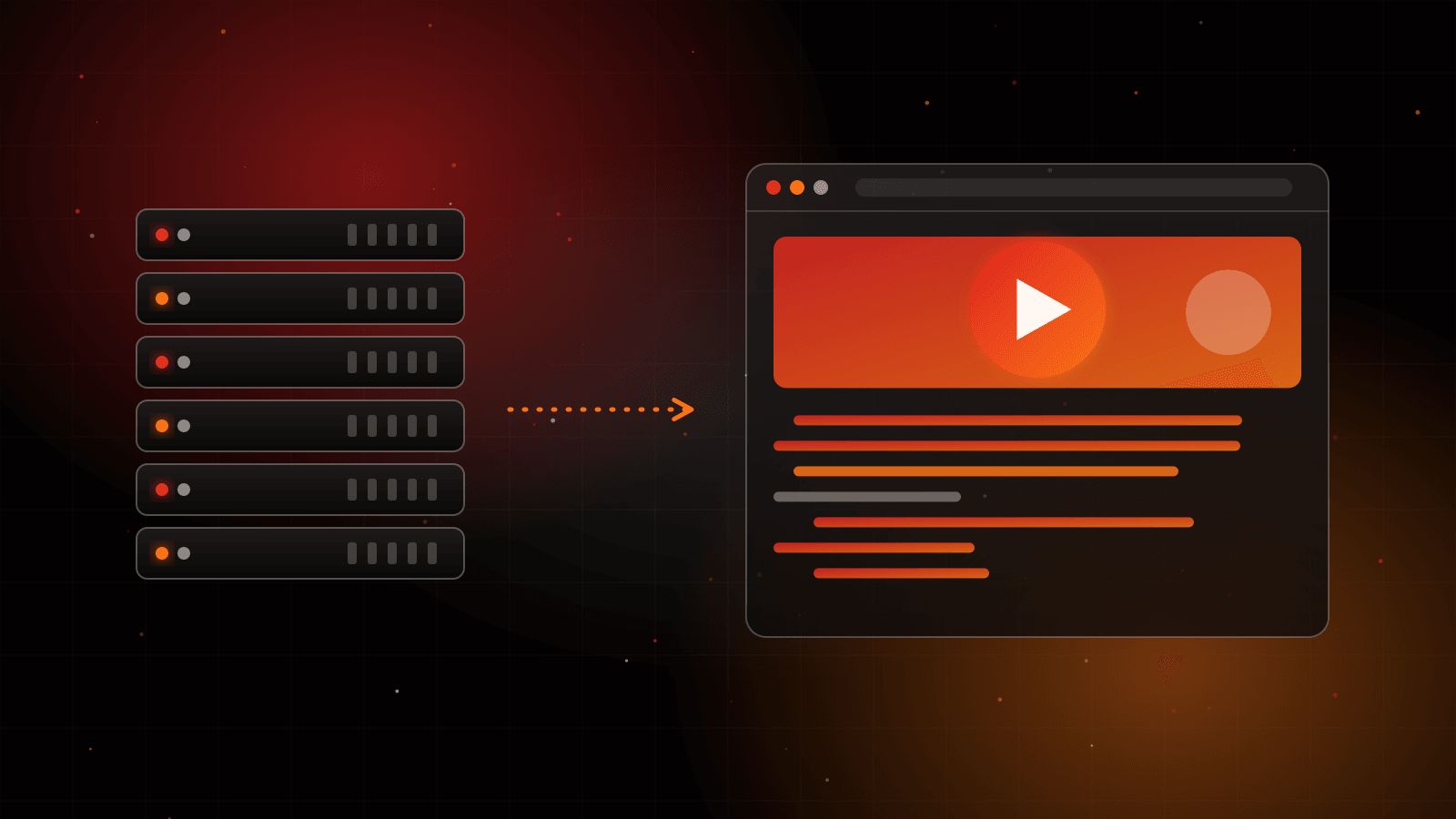
Every web application, whether it is a small portfolio site or a large SaaS platform, must eventually run somewhere so people can use it. Yet "running" a web application means different things at different stages: starting a local development server on your laptop, testing it in a staging environment, or keeping it online around the clock in production. This guide explains the core concepts behind running a web application, the steps involved at each stage, and the tools that make the process reliable, regardless of which language or framework you use.
Why Businesses Trust AAMAX.CO With Their Web Applications
Building, deploying, and maintaining a web application involves dozens of technical decisions. AAMAX.CO is a full service digital marketing company that provides web development, digital marketing, and SEO services worldwide. They help businesses plan the right architecture, build features users love, and deploy applications to secure, scalable infrastructure. Their web application development services cover the entire lifecycle, so your application not only runs but thrives as your audience grows.
Understanding How a Web Application Works
A web application typically has three layers. The front end runs in the user's browser and includes HTML, CSS, and JavaScript. The back end runs on a server and handles business logic, authentication, and data processing. The data layer stores information in a database, cache, or file storage. Running an application means making sure all three layers are available and can communicate with each other.
Some applications combine these layers in a single framework, such as Next.js, Django, Ruby on Rails, Laravel, or ASP.NET Core. Others separate them into independent services. Knowing which architecture you are dealing with determines how many processes you need to start.
Step 1: Install the Runtime and Tools
Every application depends on a runtime: Node.js for JavaScript back ends, Python for Django or Flask, PHP for Laravel or WordPress, the .NET SDK for ASP.NET, or the JDK for Java applications. Check the project's documentation or configuration files, such as package.json, requirements.txt, composer.json, or pom.xml, to identify the language and required version.
Step 2: Install Dependencies
Applications rely on third-party libraries. Install them with the matching package manager: npm install, pip install -r requirements.txt, composer install, dotnet restore, or mvn install. Use lockfiles so every environment installs identical versions, which prevents the classic "it works on my machine" problem.
Step 3: Configure the Environment
Applications behave differently depending on configuration. Database credentials, API keys, email settings, and feature flags are usually provided through environment variables or configuration files. Look for a sample file such as .env.example, copy it, and fill in the values for your environment. Keep secrets out of version control and use a secrets manager in production.
Step 4: Set Up the Database
Most applications need a database. You can install PostgreSQL, MySQL, or MongoDB locally, run them in Docker, or connect to a managed cloud database. Once the database is available, run migrations to create tables, for example with python manage.py migrate, php artisan migrate, or your ORM's migration command. Some projects also include seed scripts that load sample data for testing.
Step 5: Start the Application
In development, frameworks provide a dev server with hot reloading: npm run dev, python manage.py runserver, php artisan serve, or dotnet watch. The terminal prints a local URL. Open it in your browser to use the application. If the front end and back end are separate, start each in its own terminal and make sure the front end points to the correct API URL.
Running a Web Application in Production
Development servers are not designed for real traffic. Production requires a different approach:
- Build optimized assets with your framework's build command to minify code and generate static files.
- Use a production-grade server such as Gunicorn or Uvicorn for Python, PM2 or a platform runtime for Node.js, PHP-FPM for PHP, or Kestrel behind a proxy for .NET.
- Add a reverse proxy such as Nginx, Caddy, or a cloud load balancer to handle HTTPS, compression, and static files.
- Keep processes alive with systemd, PM2, or container orchestration so the app restarts automatically after crashes or server reboots.
- Enable HTTPS with free certificates from Let's Encrypt or your hosting provider.
Running Applications With Docker
Docker packages your application and its dependencies into a container image that runs the same way everywhere. A Dockerfile describes how to build the image, and a docker-compose.yml file can start the application, database, and cache together with a single command: docker compose up. Containers simplify onboarding, testing, and deployment, and they are supported by nearly every modern hosting platform.
Choosing Where to Host
Your hosting choice depends on the application's needs and your team's expertise:
- Platform as a Service options like Vercel, Netlify, Render, Railway, and Heroku handle servers for you and deploy straight from Git.
- Virtual private servers from providers like DigitalOcean, Linode, or Hetzner offer full control at a low cost.
- Major cloud providers such as AWS, Azure, and Google Cloud provide nearly unlimited scalability and managed services.
- Serverless platforms run code on demand and scale automatically, ideal for variable traffic.
Monitoring and Maintenance
Running an application is an ongoing responsibility. Set up logging, uptime monitoring, and error tracking so you learn about problems before users do. Schedule regular backups of your database, apply security updates to dependencies and servers, and review performance metrics to identify bottlenecks early.
Conclusion
Running a web application follows a consistent pattern: install the runtime, install dependencies, configure the environment, prepare the database, and start the server. Production adds optimized builds, process managers, reverse proxies, HTTPS, and monitoring. By understanding these steps, you can confidently run applications built with any technology and keep them dependable for the people who rely on them.