
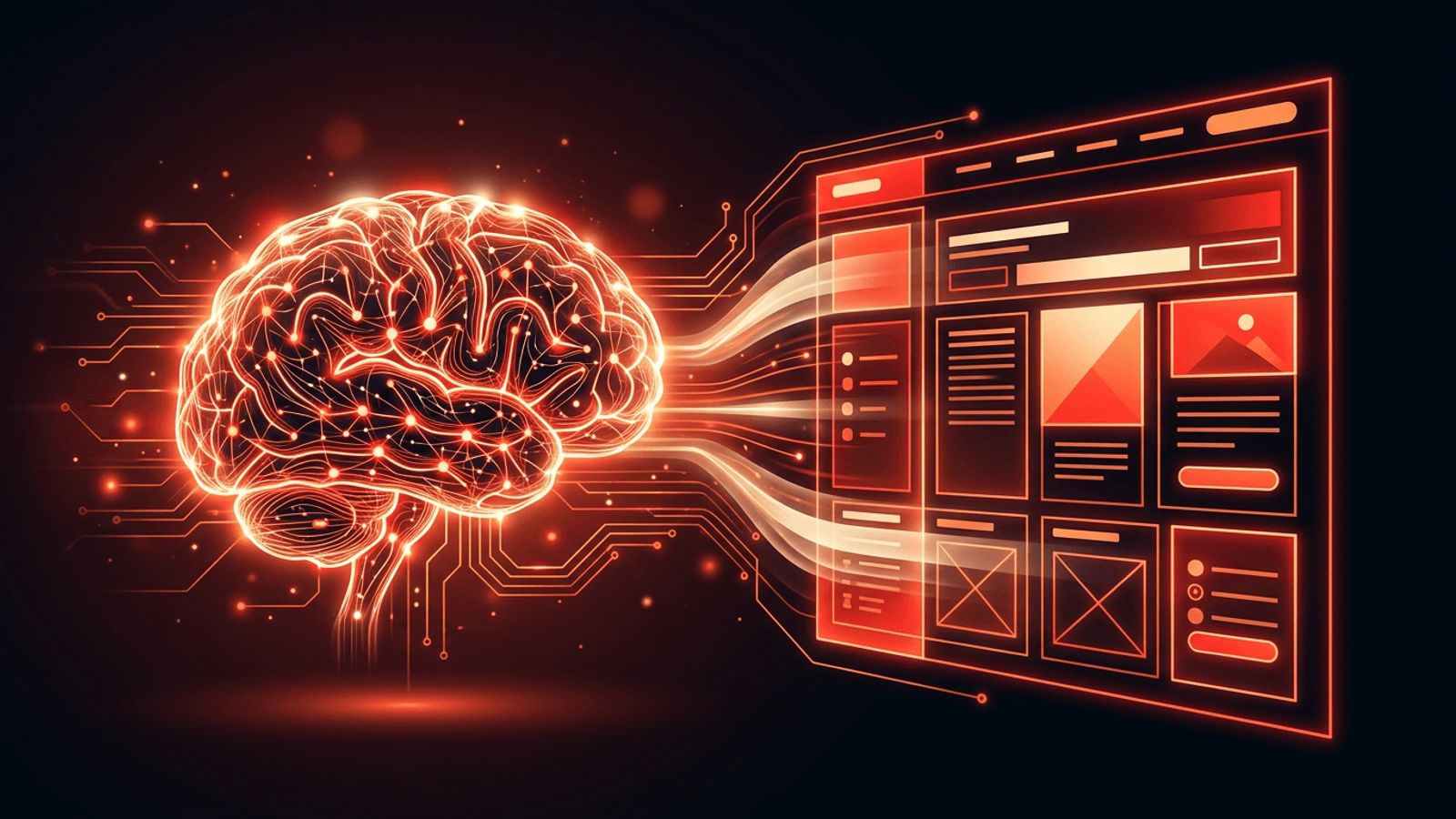
Artificial intelligence is transforming how websites are planned, designed, and built. Tasks that once took days, such as creating wireframes, generating layout ideas, writing placeholder copy, or producing image assets, can now be accelerated dramatically with AI tools. Yet AI is not a replacement for thoughtful design. It is a powerful assistant that works best in the hands of people who understand users, brands, and business goals. This guide explains how to use AI for web design effectively, which tasks it handles well, and how to avoid common pitfalls.
How AAMAX.CO Combines AI and Human Expertise in Web Design
Businesses that want the speed of AI without sacrificing quality can benefit from working with experienced professionals. AAMAX.CO is a full-service digital marketing company offering web development, digital marketing, and SEO services worldwide. Their team uses modern tools, including AI-assisted workflows, to speed up research, prototyping, and content creation while relying on human expertise for strategy, brand alignment, accessibility, and conversion optimization. The result is a website delivered efficiently that still feels unique, polished, and built around real customer needs.
What AI Can Do in Web Design
AI tools now support nearly every stage of the web design process:
- Research and inspiration: Summarize competitor websites, generate mood boards, and suggest design directions.
- Wireframing: Produce layout drafts from simple text descriptions.
- UI generation: Create interface components and full page designs from prompts.
- Code generation: Turn designs or descriptions into working HTML, CSS, and framework components.
- Content creation: Draft headlines, page copy, meta descriptions, and alt text.
- Image generation: Produce custom illustrations, backgrounds, and hero images.
- Optimization: Analyze heatmaps, predict attention areas, and suggest improvements.
Step 1: Start With Strategy, Not Tools
Before opening any AI tool, define your website's goals, audience, brand personality, and key user actions. AI produces better results when you give it clear direction. A vague prompt leads to generic designs, while a detailed brief that describes your industry, audience, tone, and goals produces more relevant output.
Step 2: Use AI for Research and Ideation
AI assistants can quickly summarize industry trends, analyze competitor messaging, and suggest site structures. Ask for sitemap ideas, user journey maps, or lists of features common in your industry. Use AI image tools to explore visual directions and color moods. Treat these outputs as starting points to refine, not final answers.
Step 3: Generate Wireframes and Layouts
Many design platforms now offer AI features that turn text prompts into wireframes or full layouts. Describe the page you need, such as a landing page for a fitness app with a hero section, feature highlights, testimonials, pricing, and a signup form. Review the generated layout, rearrange sections, and adjust hierarchy based on your strategy and user needs.
Step 4: Create Visual Assets
AI image generators can create custom illustrations, abstract backgrounds, product mockups, and hero visuals that match your brand. Provide specific prompts with style, mood, and color guidance. Always review generated images for quality, consistency, and appropriateness, and check licensing terms for commercial use.
Step 5: Speed Up Copywriting
AI writing tools can draft headlines, service descriptions, FAQs, and calls to action. Provide your brand voice, target audience, and key benefits. Then edit the output carefully to add real details, unique insights, and authentic personality. Search engines and visitors value original, helpful content, so human editing remains essential.
Step 6: Turn Designs Into Code
AI-powered development tools can transform designs or prompts into responsive front-end code using modern frameworks. This accelerates prototyping and development significantly. However, generated code should be reviewed for performance, accessibility, security, and maintainability. Professional website design and development teams ensure that AI-generated components meet production standards.
Step 7: Test and Optimize With AI
AI analytics tools can predict where users will look, identify usability issues, and recommend layout changes. Combine these insights with real user testing and A/B experiments to validate improvements. AI can also help personalize content for different visitor segments.
Best Practices for Using AI in Web Design
- Keep humans in control: Use AI to assist, while designers make final decisions.
- Maintain brand consistency: Define a design system and ensure AI outputs follow it.
- Prioritize accessibility: Check color contrast, keyboard navigation, and screen reader support.
- Verify originality: Avoid designs or content that closely copy existing work.
- Review code quality: Test for performance, security, and responsiveness.
- Protect data: Avoid sharing sensitive client information with AI tools.
Limitations of AI in Web Design
AI can produce generic designs if prompts are vague, may misunderstand brand nuances, and can introduce errors in content or code. It does not truly understand your customers or business context. Strategic thinking, empathy, creativity, and quality control still require human expertise.
The Future of AI-Powered Web Design
AI will continue to make web design faster and more accessible, enabling teams to iterate quickly and test more ideas. Designers who learn to collaborate with AI will be able to deliver better results in less time, focusing their energy on strategy, creativity, and user experience.
Conclusion
Using AI for web design can dramatically speed up research, wireframing, visual creation, copywriting, coding, and optimization. The key is to start with strategy, use AI as a creative assistant, and apply human judgment to refine and validate every output. When AI and human expertise work together, you can create websites that are faster to build, more innovative, and more effective.