
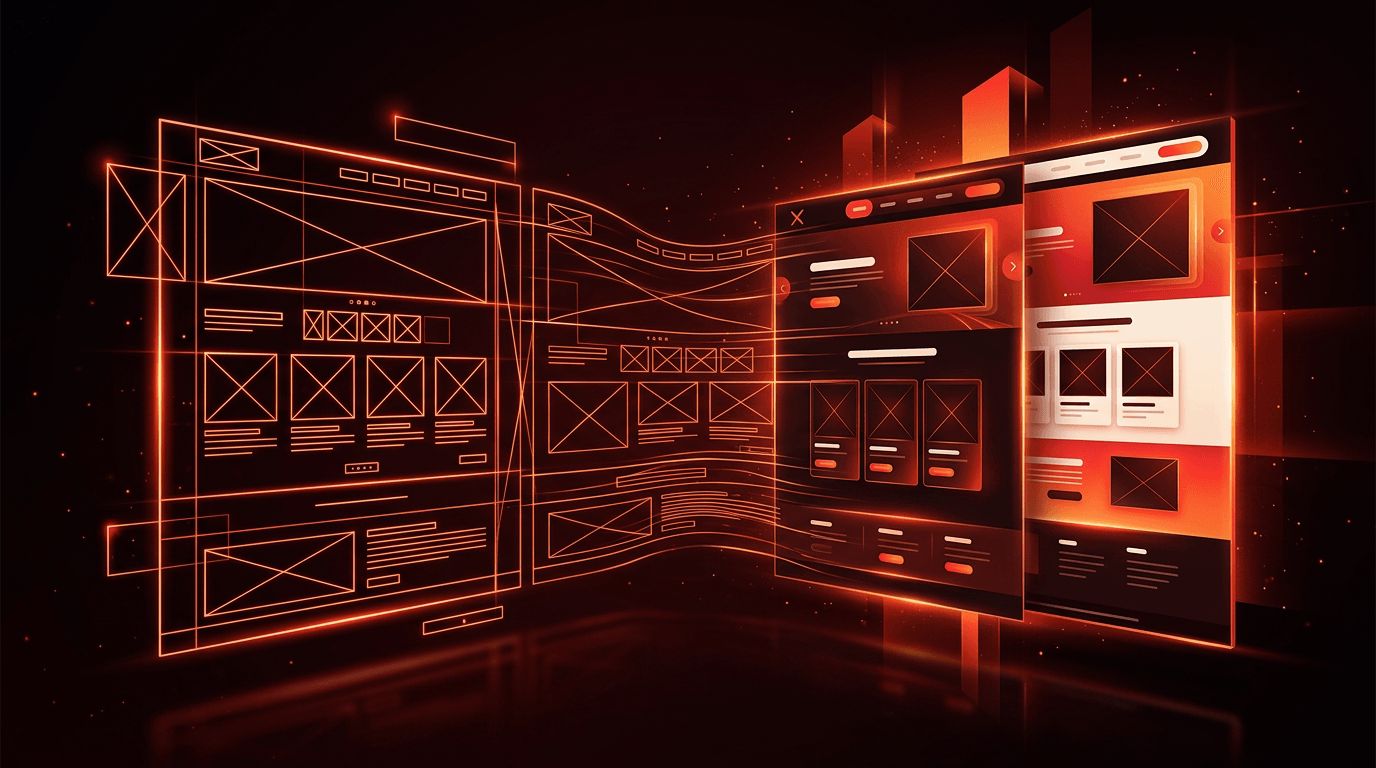
What Are Wireframes in Web Design? The Blueprint Behind Every Great Website
Before an architect builds a house, they draw a blueprint. Before a web designer creates a polished website, they build a wireframe. A wireframe is a simplified visual guide that represents the skeletal framework of a web page. It shows where content, navigation, images, and calls to action will go, without focusing on colors, fonts, or detailed graphics. Wireframes help teams agree on structure and functionality early, which prevents costly changes later. In this article, you will learn what wireframes are, why they matter, the different types, and how to create them effectively.
How AAMAX.CO Uses Wireframes to Build Better Websites
Strong websites start with strong planning. AAMAX.CO is a full service digital marketing company offering web development, digital marketing, and SEO services worldwide. Their design process emphasizes research, structure, and user journeys before visual polish, so every page has a clear purpose. By mapping layouts and content hierarchy early, they help clients visualize their site, give feedback quickly, and avoid expensive revisions once development is underway. The result is a website that is both visually compelling and built around how real users think and behave.
The Definition of a Wireframe
A wireframe is a low-detail representation of a web page layout. It typically uses grey boxes, simple lines, and placeholder text to show the arrangement of elements. Images might be represented by a box with an X through it, and text blocks might be shown as horizontal lines. The goal is to focus attention on layout, hierarchy, and functionality rather than aesthetics.
Wireframes answer key questions: What content appears on this page? What is the most important element? Where does navigation go? How does a user move from one step to the next?
Why Wireframes Matter
They Clarify Structure Early
Wireframes force teams to think about content hierarchy and user flow before investing time in visual design. This ensures the page structure supports business goals and user needs.
They Save Time and Money
Changing a wireframe takes minutes. Changing a fully designed and coded page can take days. By resolving layout questions early, wireframes reduce rework and keep projects on budget.
They Improve Communication
Clients, designers, developers, and content writers can all look at a wireframe and understand the plan. It becomes a shared reference that aligns expectations across the team.
They Support Usability
Because wireframes focus on function, they make usability issues easier to spot. Confusing navigation or buried calls to action are much more obvious without visual distractions.
Types of Wireframes
Low-Fidelity Wireframes
Low-fidelity wireframes are quick, rough sketches, often drawn on paper or a whiteboard. They are ideal for brainstorming and exploring multiple layout ideas rapidly.
Mid-Fidelity Wireframes
Mid-fidelity wireframes are created digitally with more accurate spacing and proportions. They include specific elements such as menus, forms, and buttons, but still avoid detailed styling. These are the most common type in professional projects.
High-Fidelity Wireframes
High-fidelity wireframes come close to the final design, sometimes including real content, interactive elements, and precise layouts. They are useful for user testing and detailed developer handoff, though they take longer to produce.
Wireframes Versus Mockups Versus Prototypes
These terms are often confused, but they represent different stages of the design process:
- Wireframe: the structural blueprint, focused on layout and content placement.
- Mockup: a static, visually detailed design showing colors, typography, and imagery.
- Prototype: an interactive simulation that lets users click through flows and experience functionality.
Most projects move from wireframes to mockups to prototypes, refining the design at each step.
Key Elements to Include in a Wireframe
- Header with logo placement and navigation menu
- Hero section with headline area and primary call to action
- Content sections and their relative priority
- Image and video placeholders
- Forms, buttons, and interactive components
- Footer with secondary links and contact information
- Annotations explaining behavior or functionality
How to Create a Wireframe
Start by defining the page goal and target audience. Gather the content you need to present and decide on its priority. Sketch several rough layouts quickly, then choose the strongest direction. Move into a digital design tool to refine spacing, alignment, and responsive behavior. Create versions for mobile and desktop, since layouts often change significantly between screen sizes. Finally, review the wireframe with stakeholders and gather feedback before moving on to visual design.
Popular Wireframing Tools
Designers use a range of tools for wireframing, from pen and paper to dedicated digital applications. Modern collaborative design tools allow teams to build wireframes, share them instantly, and leave comments in real time. Many also offer component libraries that speed up the process. The best tool is the one your team can use quickly and collaboratively.
Common Wireframing Mistakes
Adding too much visual detail too soon can distract stakeholders from structural decisions. Ignoring mobile layouts can lead to surprises later. Using vague placeholder content may hide problems with real text lengths. And skipping user feedback means missing valuable insights about how visitors actually navigate. Avoiding these mistakes keeps wireframes useful and efficient.
Wireframes in the Bigger Picture
Wireframing is one phase of a broader process that includes research, strategy, visual design, development, and testing. When wireframes are done well, the rest of the project flows more smoothly. They form the backbone of professional website design and give developers a clear plan for building the final product. For complex products with dashboards, user accounts, and workflows, detailed wireframes are especially critical in web application development, where logic and usability must be planned carefully.
Conclusion
Wireframes in web design are simple but powerful tools. They define structure, clarify user flows, improve team communication, and prevent expensive mistakes. Whether sketched on paper or built in a digital tool, a good wireframe sets the stage for a website that looks great and works even better. Investing time in wireframing is one of the smartest decisions you can make at the start of any web project.