
What Does a Website Look Like? Structure, Pages, and Design Explained
When people think about a website, they often picture the homepage. But a website is much more than one page. It is a collection of interconnected pages, organized under a single domain, designed to serve a specific purpose such as informing, selling, entertaining, or connecting. Understanding what a website looks like as a whole, including its structure, core pages, navigation, and underlying technology, helps business owners plan better projects and communicate more clearly with designers and developers. This article walks through the full picture.
AAMAX.CO: Building Complete Websites With Purpose
Planning a complete website requires seeing the big picture and the small details at the same time. AAMAX.CO is a full service digital marketing company offering web development, digital marketing, and SEO services worldwide. They help businesses map out site structure, define the right pages, and design cohesive experiences that guide visitors from first impression to conversion. Their approach combines strategy, design, development, and search optimization, so every page has a role and the entire website works together as a unified growth tool.
The Big Picture: A Website as a Network of Pages
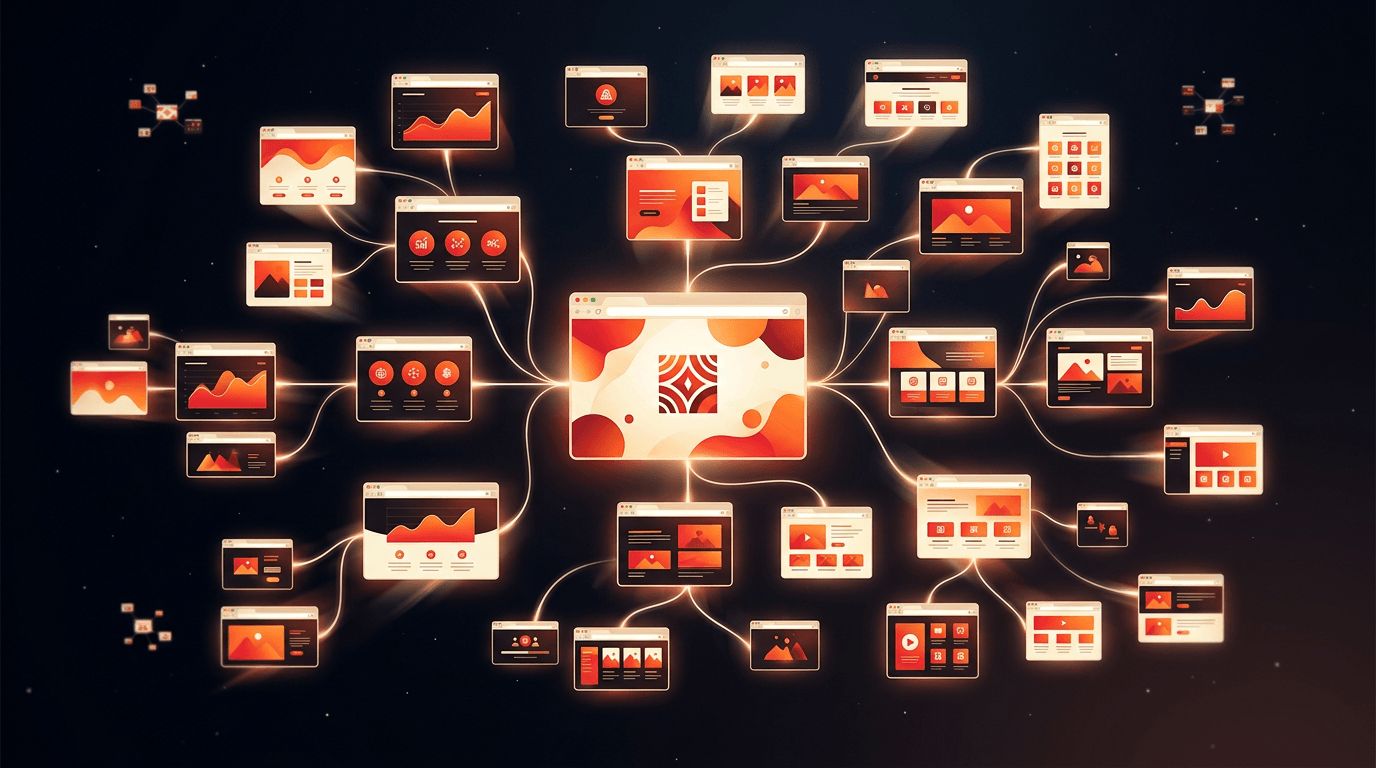
Think of a website as a building with many rooms. The homepage is the lobby, and each additional page is a room with a specific function. Navigation menus act as hallways connecting everything. A sitemap, which is a diagram of all pages and their relationships, shows how the website is organized. Most websites follow a hierarchical structure, with the homepage at the top, main category pages below it, and detailed pages beneath those.
Core Pages Found on Most Websites
Homepage
The homepage introduces the brand, communicates its value proposition, and directs visitors to important sections. It often includes a hero section, highlights of services or products, testimonials, and clear calls to action.
About Page
The about page tells the story of the business, its mission, values, and team. It builds trust and helps visitors connect with the people behind the brand.
Services or Products Pages
These pages describe what the business offers in detail. Service businesses typically have one page per service, while ecommerce sites have category pages and individual product pages.
Blog or Resources
A blog provides helpful articles, guides, and news. It supports SEO, demonstrates expertise, and gives visitors reasons to return.
Contact Page
The contact page includes forms, phone numbers, email addresses, maps, and business hours, making it easy for visitors to get in touch.
Legal Pages
Privacy policies, terms of service, and cookie policies are essential for legal compliance and user trust.
Consistent Elements Across Pages
While each page has unique content, a website shares consistent elements across all pages. These include the header with logo and navigation, the footer with contact details and links, the color palette, typography, button styles, and overall layout grid. This consistency creates a cohesive experience and reinforces brand identity. Visitors should always know they are on the same website, no matter which page they land on.
Navigation and Information Architecture
Information architecture is the practice of organizing content so users can find what they need easily. Good websites use clear, descriptive menu labels, logical groupings, and a limited number of top-level navigation items. Breadcrumbs, search functions, and internal links further help users move around. Poor navigation is one of the most common reasons visitors leave a website.
Different Types of Websites
- Business websites: showcase services, build credibility, and generate leads.
- Ecommerce websites: feature product catalogs, carts, and checkout systems.
- Portfolio websites: display creative work for designers, photographers, and artists.
- Blogs and media sites: focus on content publishing and readability.
- Web applications: provide interactive tools such as dashboards, booking systems, or software platforms.
- Nonprofit and educational websites: share information, accept donations, and engage communities.
Each type has a distinct look and structure based on its goals.
What a Website Looks Like on Different Devices
Modern websites are responsive, meaning they adapt to any screen size. On desktops, a website may display wide layouts with multiple columns. On tablets, content may rearrange into fewer columns. On smartphones, navigation collapses into a menu icon and content stacks vertically. Responsive design ensures a consistent, user-friendly experience everywhere, which is essential because a large share of web traffic comes from mobile devices.
The Technology Behind a Website
Behind the visual layer, websites rely on several technologies. HTML structures content, CSS styles it, and JavaScript adds interactivity. A web server hosts the files, and a domain name points visitors to that server. Many websites use a content management system so non-technical users can update content. More complex sites use databases, APIs, and custom back-end code. Building these systems reliably is the work of professional website development teams.
What Makes a Website Look Professional
A professional website has a clean layout, consistent branding, high-quality images, readable typography, fast loading speed, and intuitive navigation. It avoids clutter, broken links, and outdated content. It also includes trust signals like testimonials, certifications, and secure connections. Investing in strategic website design makes a significant difference in how visitors perceive a business.
Planning Your Own Website
Start by defining your goals and audience. List the pages you need and sketch a simple sitemap. Gather content, including text, images, and testimonials. Choose a design direction that reflects your brand. Then work with designers and developers to bring the plan to life, test it thoroughly, and launch it. After launch, track performance with analytics and continue improving.
Conclusion
A website looks like a well-organized network of pages, connected by navigation and unified by consistent design. It includes core pages like the homepage, about, services, blog, and contact, all powered by technology that delivers content to any device. When structure, design, and development come together thoughtfully, a website becomes a powerful tool for building trust and growing a business.