
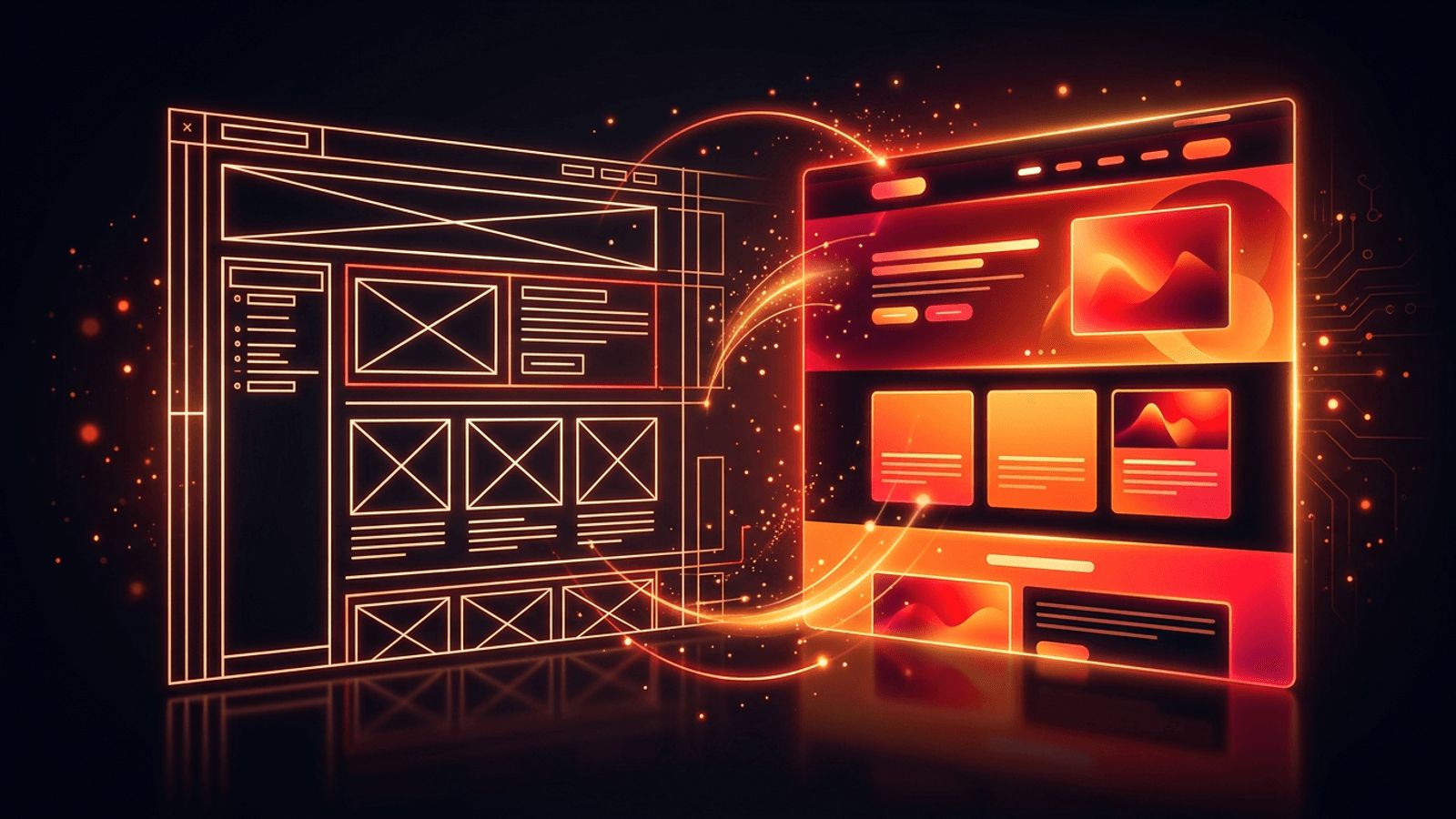
Before a website comes to life with colors, images, and animations, it begins as a simple sketch of boxes and lines. This early blueprint is called a wireframe, and it plays a crucial role in creating websites that are intuitive, organized, and effective. Wireframes help teams focus on structure and functionality before investing time in visual details. So, what is a wireframe in web design? In this article, we explain what wireframes are, the different types, their benefits, and how to create them as part of a successful design process.
Start Your Project on a Solid Foundation With AAMAX.CO
Great websites begin with careful planning, and wireframing is a central part of that process. AAMAX.CO is a full-service digital marketing company offering web development, digital marketing, and SEO services worldwide. Their designers create detailed wireframes that map out layouts, user flows, and content hierarchy before moving into visual design and development. This approach saves time, reduces costly revisions, and ensures every page supports your business goals. With their expert website design services, your website is thoughtfully planned from the first sketch to the final launch.
The Definition of a Wireframe
A wireframe is a visual guide that represents the skeletal framework of a web page or application. It shows the arrangement of key elements such as headers, navigation menus, content blocks, images, buttons, and forms, without focusing on colors, fonts, or detailed graphics. Wireframes are typically created in grayscale using simple shapes, placeholder boxes, and lines.
Think of a wireframe as an architectural blueprint for a house. It defines where the rooms, doors, and windows go before anyone chooses paint colors or furniture.
Why Wireframes Are Important
Wireframes offer numerous benefits throughout the design and development process:
- Clarify structure: They establish the layout and hierarchy of content on each page.
- Focus on usability: By removing visual distractions, teams can evaluate functionality and user flow.
- Improve communication: Wireframes give clients, designers, developers, and stakeholders a shared understanding of the project.
- Save time and money: Changes are easy and inexpensive to make at the wireframe stage compared to after development begins.
- Identify issues early: Navigation problems, missing content, and confusing layouts can be spotted before they become costly.
- Support content planning: Wireframes help writers understand how much content is needed and where it will appear.
Types of Wireframes
Wireframes vary in detail, often categorized by fidelity:
Low-Fidelity Wireframes
Low-fidelity wireframes are rough sketches, often drawn by hand or with simple digital tools. They use basic shapes to represent elements and focus purely on layout and structure. These are ideal for brainstorming and exploring multiple ideas quickly.
Mid-Fidelity Wireframes
Mid-fidelity wireframes are more refined and created digitally. They include more accurate spacing, element sizing, and sometimes actual headings or labels. They are useful for presenting concepts to stakeholders and planning detailed layouts.
High-Fidelity Wireframes
High-fidelity wireframes closely resemble the final design in layout and content, with precise dimensions, real copy, and detailed components. They may evolve into interactive prototypes that simulate user interactions and navigation.
Key Elements Found in Wireframes
Most website wireframes include several common components:
- Header and logo placement: The top area of the page containing branding.
- Navigation menu: Links to main sections of the website.
- Hero section: The prominent introductory area with a headline and call to action.
- Content blocks: Sections for text, images, videos, and features.
- Calls to action: Buttons and links guiding users toward key actions.
- Forms: Fields for contact, sign-up, or checkout processes.
- Footer: Secondary navigation, contact information, and legal links.
Wireframes vs Mockups vs Prototypes
These terms are often confused, but each serves a distinct purpose:
- Wireframe: A structural blueprint focused on layout and functionality, without visual styling.
- Mockup: A static, high-fidelity visual design showing colors, typography, imagery, and branding.
- Prototype: An interactive model that simulates how users will navigate and interact with the final product.
Typically, the design process moves from wireframes to mockups to prototypes, with feedback and refinements at each stage.
How to Create a Wireframe
Creating an effective wireframe involves several steps:
- Define goals: Understand the purpose of the website and each page.
- Research users: Identify target audiences, their needs, and their behaviors.
- Map the sitemap: Outline the pages and how they connect.
- Plan user flows: Determine the paths users will take to complete key tasks.
- Sketch layouts: Start with rough sketches to explore ideas.
- Build digital wireframes: Use tools to create cleaner, more precise layouts.
- Gather feedback: Share wireframes with stakeholders and users, then iterate.
Popular Wireframing Tools
Designers rely on a range of tools for wireframing, including Figma, Adobe XD, Sketch, Balsamiq, Whimsical, and Miro. Many of these tools support collaboration, reusable components, and the ability to turn wireframes into interactive prototypes.
Best Practices for Wireframing
Keep wireframes simple and focused on structure. Use consistent spacing and grids, design for mobile and desktop layouts, and annotate elements to explain functionality. Avoid adding colors or detailed graphics too early, as they can distract from evaluating usability. Most importantly, involve stakeholders early to align expectations.
Conclusion
What is a wireframe in web design? It is a simplified visual blueprint that outlines the structure, layout, and functionality of a web page before visual design begins. Wireframes help teams communicate clearly, identify issues early, and create user-centered websites efficiently. By investing time in wireframing, businesses lay a strong foundation for websites that look great and work flawlessly.