
Not long ago, updating a website required editing code files and uploading them to a server, a task usually reserved for developers. Today, most websites are powered by tools that let anyone add pages, publish blog posts, and update images through a simple dashboard. These tools are called content management systems. So, what is CMS in web design, and why has it become such an essential part of building modern websites? In this article, we will explain what a CMS is, how it works, the different types available, and how to choose the right one for your business or project.
How AAMAX.CO Builds CMS-Powered Websites
Businesses that want websites they can easily manage on their own often choose to work with AAMAX.CO. They are a full-service digital marketing company offering web development, digital marketing, and SEO services worldwide. Their team designs and develops CMS-powered websites using platforms such as WordPress, headless CMS solutions, and custom systems tailored to each client's workflow. They create intuitive editing experiences, flexible content structures, and SEO-friendly templates, so clients can update their websites confidently while maintaining a consistent, professional design.
Defining a Content Management System
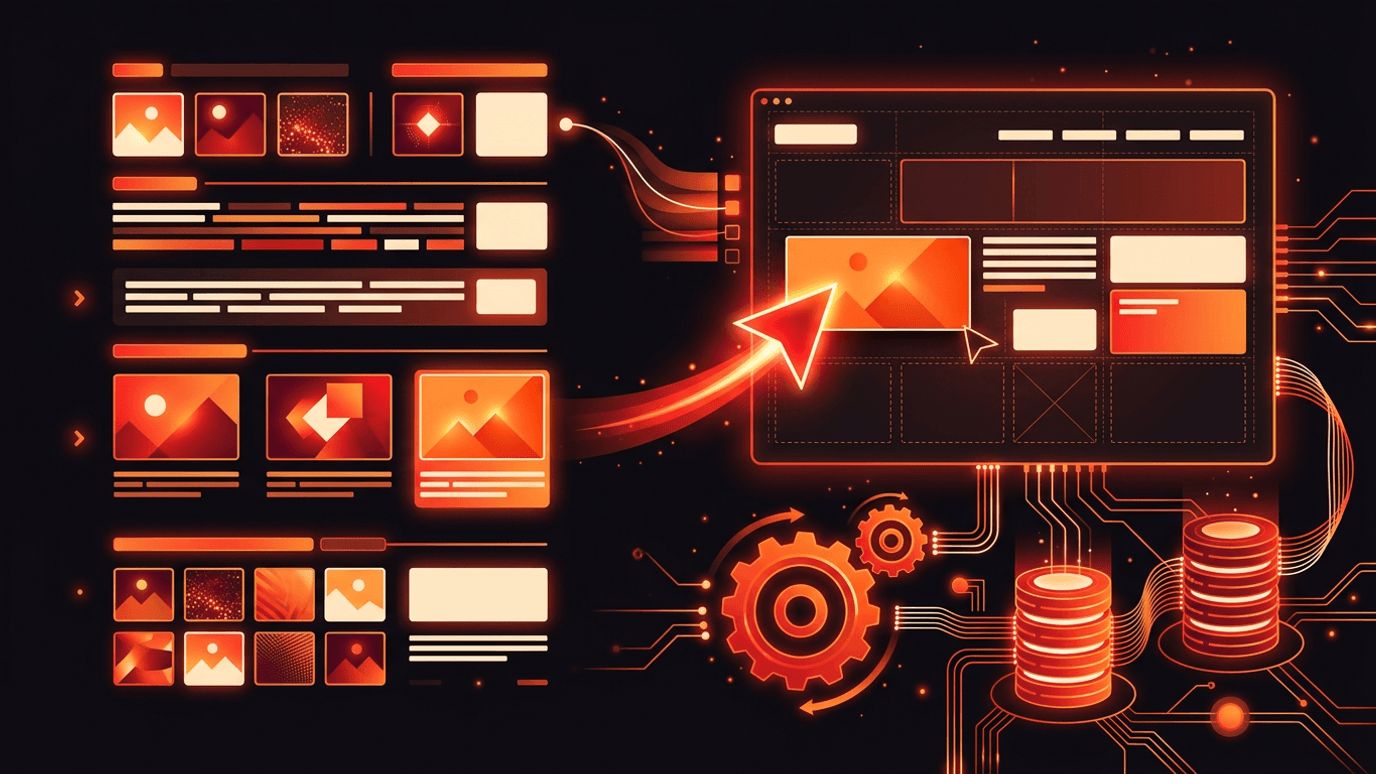
A content management system, or CMS, is software that allows users to create, manage, and publish digital content on a website without needing to write code. It provides an administrative interface where you can add text, upload images, organize pages, manage menus, and control who can edit what. The CMS stores your content in a database and combines it with design templates to display finished web pages to visitors.
How a CMS Works
A traditional CMS has two main parts. The content management application is the dashboard where editors create and organize content. The content delivery application takes that content from the database and presents it to visitors using themes or templates. When you publish a blog post, the CMS saves it, applies the site's design, and makes it available at a specific URL. This separation of content and design allows non-technical users to update information while designers and developers control the overall look and functionality.
The Role of a CMS in Web Design
In web design, a CMS shapes how a website is structured, styled, and maintained. Designers create templates and reusable components, such as headers, hero sections, cards, and footers, that editors can fill with content. A well-planned CMS setup ensures that every new page automatically follows brand guidelines, typography rules, and layout standards. This consistency is a major benefit of combining thoughtful website design with a flexible content management system.
Popular CMS Platforms
- WordPress: The most widely used CMS, known for flexibility, a huge plugin ecosystem, and a large community.
- Shopify: A hosted platform focused on ecommerce stores.
- Joomla and Drupal: Open-source systems suited to complex sites with advanced permissions.
- Webflow, Wix, and Squarespace: Visual builders with built-in hosting and design tools.
- Headless CMS platforms: Systems like Sanity, Contentful, and Strapi that deliver content through APIs.
Traditional Versus Headless CMS
A traditional CMS manages both content and presentation in one system. A headless CMS focuses only on content storage and editing, delivering content through APIs to any front end, such as a website, mobile app, or digital display. Headless setups give developers more freedom to build fast, modern front ends with frameworks like Next.js, while editors still enjoy a friendly content dashboard. They are particularly valuable for businesses that publish content across multiple channels.
Benefits of Using a CMS
A CMS empowers teams to update content quickly without relying on developers for every change. It supports collaboration through user roles and workflows, allowing writers, editors, and administrators to work together. Most systems include built-in SEO tools, media libraries, revision history, and scheduling features. Plugins and integrations extend functionality with forms, analytics, ecommerce, and marketing tools. Overall, a CMS saves time, reduces costs, and keeps your website fresh.
Potential Drawbacks
CMS platforms are not without challenges. Popular systems can be targets for hackers if they are not kept updated. Installing too many plugins can slow down a site or cause conflicts. Generic themes may make a website look similar to many others. Some platforms limit customization or lock you into their ecosystem. Careful planning and professional setup help avoid these issues.
How to Choose the Right CMS
Choosing a CMS depends on your goals, budget, technical resources, and growth plans. Consider how often you will update content, how many people will manage the site, whether you need ecommerce, and how important performance and customization are. Evaluate ease of use, security, scalability, integration options, and long-term costs. For businesses with unique requirements, a custom or headless solution created through professional website development may offer the best balance of flexibility and control.
Best Practices for Managing a CMS Website
To keep a CMS website healthy, update the core software, themes, and plugins regularly. Use strong passwords and limit administrative access. Back up your site frequently. Optimize images before uploading, and avoid unnecessary plugins. Create clear content guidelines so every page remains consistent with your brand. Review analytics to understand which content performs best and refine your strategy accordingly.
The Future of Content Management
Content management systems continue to evolve with features such as visual editing, AI-assisted writing, personalization, and multichannel publishing. Composable architectures, where businesses combine specialized tools through APIs, are becoming more common. These innovations make it easier than ever to deliver fresh, relevant content to audiences wherever they are.
Conclusion
A CMS in web design is the engine that allows people to create and manage website content without coding. It separates content from design, enabling consistency, collaboration, and efficiency. Whether you choose a traditional platform like WordPress or a modern headless solution, the right CMS combined with thoughtful design and development will make your website easier to maintain and far more effective over time.