
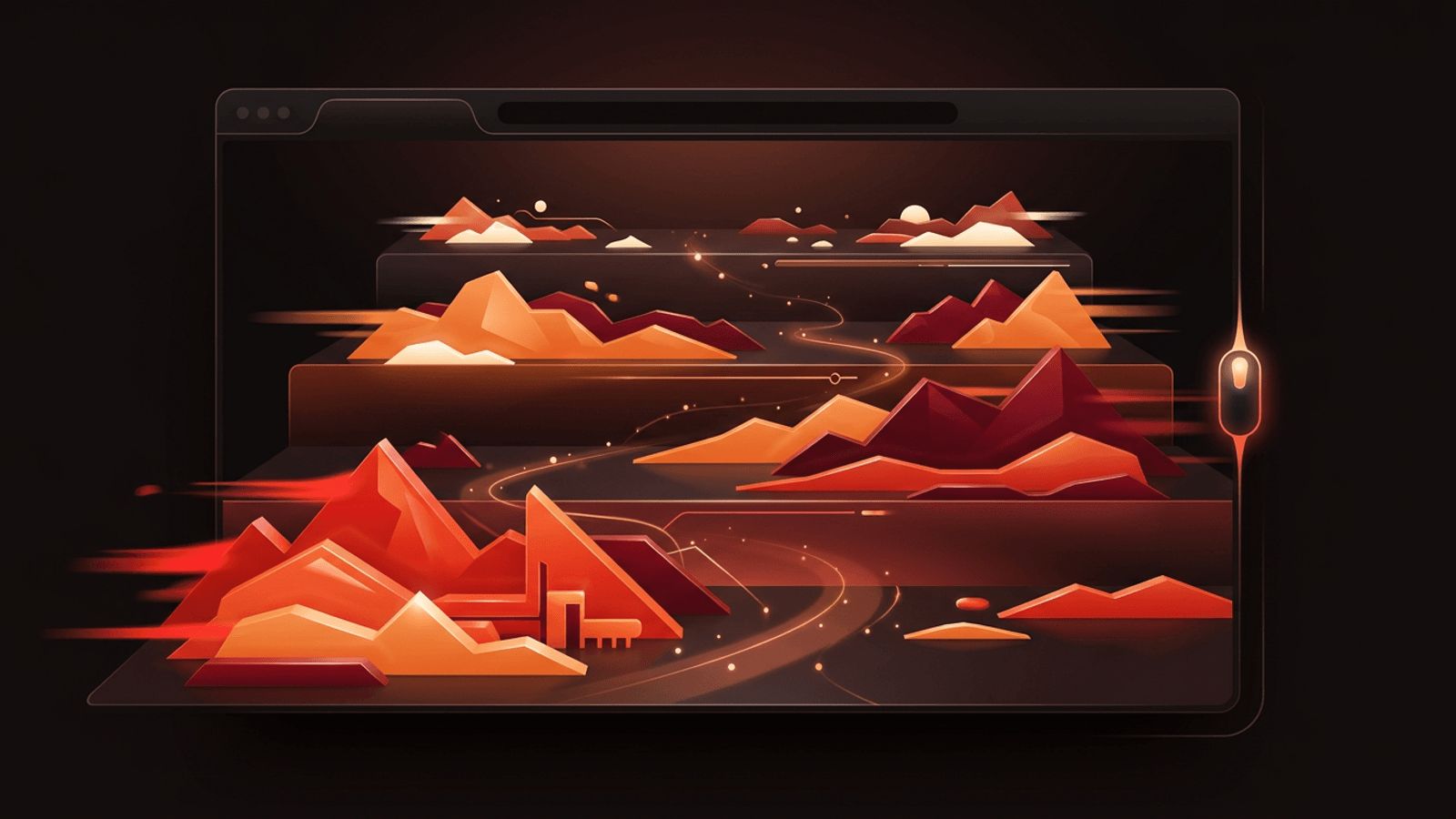
Some websites feel almost cinematic as you scroll. Background images glide slowly while foreground content moves faster, creating an illusion of depth that draws you into the story. This technique is known as the parallax effect. In web design, the parallax effect is a scrolling technique in which background elements move at a different speed than foreground elements, creating a sense of depth and three-dimensional movement on a two-dimensional screen. When used thoughtfully, parallax can make websites more immersive, memorable, and engaging. In this article, we explore what the parallax effect is, how it works, common types, its benefits and drawbacks, and best practices for using it effectively.
Immersive Web Experiences from AAMAX.CO
Motion and depth can transform a website from ordinary to unforgettable, but they must be executed with precision. AAMAX.CO is a full-service digital marketing company offering web development, digital marketing, and SEO services worldwide. Their designers use parallax and other motion techniques strategically to support storytelling, while their developers implement these effects with performance-conscious code that keeps pages fast and accessible. The result is a visually rich experience that engages visitors without compromising usability or search rankings.
What Is the Parallax Effect?
The word "parallax" comes from the Greek word for alteration. In everyday life, parallax describes how objects at different distances appear to move at different speeds when you change your viewpoint. When you look out the window of a moving car, nearby trees seem to rush past while distant mountains barely move. Web designers borrowed this principle to create depth online. By moving layers of a page at varying speeds during scrolling, parallax mimics how we perceive real-world motion, giving flat screens a sense of dimension.
How the Parallax Effect Works
Parallax effects are created by separating page content into multiple layers. As users scroll, each layer moves at a different rate. Background layers typically move more slowly, while foreground layers move at normal speed or faster. Developers implement this using several techniques. The simplest approach uses the CSS background-attachment fixed property, which keeps a background image stationary while content scrolls over it. More advanced effects use CSS 3D transforms with perspective, JavaScript that listens for scroll events, or the Intersection Observer API. Modern CSS also introduces scroll-driven animations, which allow designers to tie animations directly to scroll position without heavy JavaScript. Libraries like GSAP with ScrollTrigger, Rellax, and Locomotive Scroll offer additional control.
Common Types of Parallax Effects
- Background parallax: A background image moves more slowly than the page content, creating subtle depth.
- Multi-layer parallax: Several layers, such as mountains, clouds, and characters, move at different speeds to create rich, illustrated scenes.
- Horizontal parallax: Vertical scrolling triggers horizontal movement, often used for storytelling or product showcases.
- Mouse-based parallax: Elements shift slightly based on cursor position, adding interactivity on desktop screens.
- Element reveal parallax: Text and images slide, fade, or scale into view as users scroll.
- Sticky parallax sections: Content pins in place while visuals transform, guiding users through a narrative step by step.
Benefits of the Parallax Effect
Enhanced engagement: Motion captures attention and encourages users to keep scrolling to see what happens next.
Visual storytelling: Parallax is ideal for guiding visitors through a narrative, such as a product journey, company history, or campaign story.
Memorable brand impression: Unique, immersive experiences help brands stand out from competitors with static layouts.
Content hierarchy: Movement can draw attention to key messages and calls to action.
Modern aesthetic: When subtle and refined, parallax gives websites a polished, premium feel.
Potential Drawbacks
Despite its appeal, parallax must be used carefully. Heavy effects can slow page performance, particularly on mobile devices with limited processing power. Excessive motion can distract from content or make text harder to read. For users with vestibular disorders, large or rapid motion can cause dizziness or nausea. Poorly implemented parallax may break on certain browsers or touch devices. Additionally, single-page parallax sites that hide content behind complex scripts can be harder for search engines to index.
Best Practices for Using Parallax
Use it purposefully: Apply parallax to support storytelling or highlight key sections rather than animating everything.
Keep it subtle: Gentle speed differences often feel more elegant than dramatic movement.
Respect motion preferences: Use the prefers-reduced-motion media query to disable or reduce effects for users who request less motion.
Optimize performance: Animate transform and opacity properties, which browsers handle efficiently, and avoid animating layout properties. Compress images and lazy-load offscreen assets.
Test on mobile: Some effects should be simplified or disabled on smaller screens to maintain smooth performance.
Maintain readability: Ensure text remains legible against moving backgrounds with sufficient contrast.
Keep content crawlable: Ensure important text exists in the HTML so search engines can index it.
Parallax in Design and Development
Successful parallax begins in the design phase, where designers plan layers, transitions, and pacing alongside the content strategy. Skilled website design ensures motion enhances the message rather than overwhelming it. During implementation, careful website development keeps animations smooth, accessible, and lightweight. For interactive product tours and onboarding flows inside software platforms, scroll-driven effects are increasingly used in web application development to explain features in an engaging way.
When to Use Parallax
Parallax works especially well for landing pages, product launches, portfolios, storytelling campaigns, travel and hospitality sites, and creative brands. It is less suitable for content-heavy sites where users need to scan information quickly, such as documentation, news, or dashboards.
Conclusion
The parallax effect in web design creates an illusion of depth by moving background and foreground elements at different speeds as users scroll. When applied thoughtfully, it adds visual interest, supports storytelling, and makes websites more memorable. However, it must be balanced with performance, accessibility, readability, and SEO considerations. By using parallax purposefully, respecting user motion preferences, and optimizing implementation, designers and developers can craft immersive experiences that captivate visitors and strengthen a brand's digital presence.