
If you need a quick definition, here it is: a web page is a single document on the World Wide Web, written mainly in HTML, that you view using a web browser and access through a unique web address called a URL. That is the short answer. But behind that simple sentence lies a fascinating system of code, servers, and design choices that shape almost everything we do online. This article gives you the concise definition and then expands on it so you understand how web pages work and why they matter to businesses and everyday users alike.
AAMAX.CO: Turning Simple Pages Into Powerful Business Tools
Knowing what a web page is and building one that actually drives results are two very different things. AAMAX.CO is a full-service digital marketing company that offers web development, digital marketing, and SEO services worldwide. They help businesses transform ordinary pages into high-performing assets that load fast, rank well, and guide visitors toward action. From single landing pages to complete multi-page websites, their team handles strategy, design, and coding, and their website development expertise ensures every page is clean, responsive, and built with search engines in mind.
The Short Answer, Explained
A web page is one individual page of content on the internet. It can contain text, images, videos, links, forms, and interactive features. Each page has its own URL, such as a homepage, an "About Us" page, or a blog post. When you click a link or type an address, your browser requests that page from a server and displays it on your screen.
A collection of related web pages under one domain forms a website. So if a website is a book, each web page is a single page inside it.
How a Web Page Works
Every web page starts as files stored on a web server. When you enter a URL, your browser uses the Domain Name System to find the server's address, then sends a request using the HTTP or HTTPS protocol. The server responds with the page's HTML file, along with links to supporting resources like stylesheets, scripts, and images. Your browser reads the HTML, downloads the extra files, and renders everything into the visual page you see. This process usually takes only a second or two.
The Building Blocks of a Web Page
Three core technologies make up nearly every web page:
- HTML (HyperText Markup Language): Defines the structure and content, such as headings, paragraphs, lists, images, and links.
- CSS (Cascading Style Sheets): Controls the presentation, including colors, fonts, spacing, and layout across different screen sizes.
- JavaScript: Adds interactivity and dynamic behavior, like dropdown menus, image sliders, form validation, and real-time updates.
Together, these three languages turn raw content into the polished, interactive experiences people expect today.
Common Parts of a Web Page
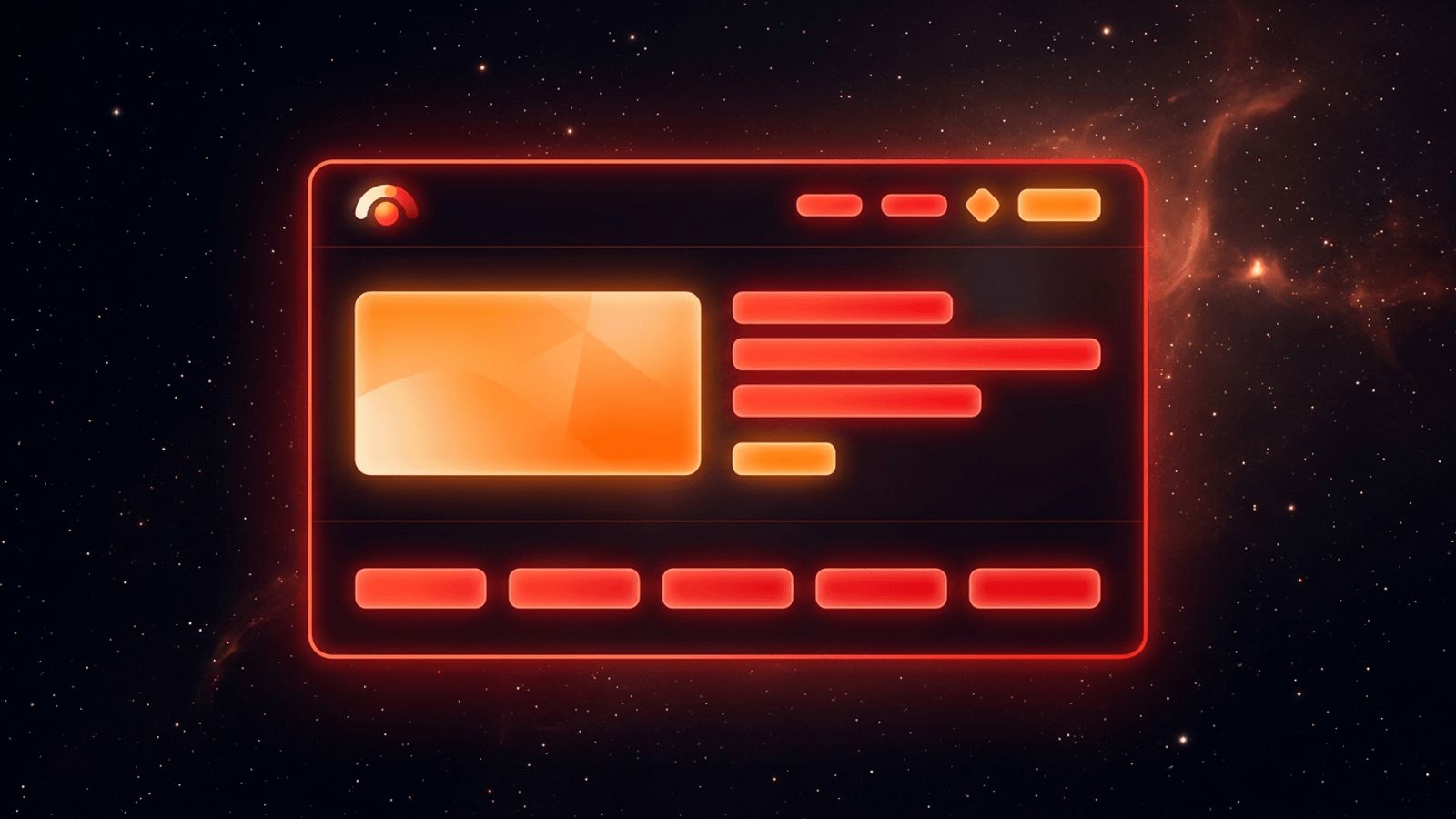
While designs vary widely, most web pages share a familiar structure:
- Header: Usually contains the logo and main navigation menu.
- Main content area: The primary information, such as an article, product details, or service description.
- Sidebar: Optional space for related links, categories, or promotions.
- Call to action: Buttons or forms that encourage visitors to take the next step.
- Footer: Contact details, legal links, social media icons, and secondary navigation.
Static vs. Dynamic Web Pages
Web pages generally fall into two categories. Static pages display the same content to every visitor and are stored as fixed files on the server. They are fast, secure, and ideal for content that rarely changes. Dynamic pages are generated on the fly, often pulling information from a database. Social media feeds, online stores, and personalized dashboards are examples of dynamic pages, because they show different content depending on who is viewing them and when.
Modern frameworks blur this line by pre-building pages for speed while still allowing dynamic features where needed, giving businesses the best of both worlds.
Web Page vs. Website vs. Web Browser
These terms are often confused. A web page is a single document. A website is a group of connected pages under one domain. A web browser is the software, such as Chrome, Safari, Firefox, or Edge, that you use to view web pages. A search engine like Google is itself a website that helps you find other web pages.
What Makes a Good Web Page?
A great web page does more than simply exist online. It should load quickly, ideally in under three seconds, because slow pages lose visitors. It should be mobile-friendly, since most browsing now happens on phones. Clear headings, readable text, and logical layout help users scan content easily. Accessibility features, like descriptive image alt text and strong color contrast, ensure everyone can use it. Finally, a good page has a clear purpose and a visible call to action, whether that is making a purchase, booking a call, or reading another article.
Why Web Pages Matter for Businesses
For businesses, each web page is an opportunity to be discovered in search results, answer customer questions, and build trust. Well-optimized pages target specific keywords and user intents, drawing in qualified traffic. A thoughtfully designed service page can turn a curious visitor into a paying client. Because every page contributes to how search engines evaluate your site, investing in quality content and solid technical foundations pays dividends over time.
Conclusion
The short answer is simple: a web page is a single HTML document on the internet that you view in a browser through its unique URL. The longer answer reveals a system of servers, code, and design that powers modern communication and commerce. Understanding how web pages work helps you appreciate what makes them effective and why professional design and development make such a difference. Whether you are building your first page or improving an existing site, focusing on speed, clarity, and purpose will help every page you publish perform at its best.