
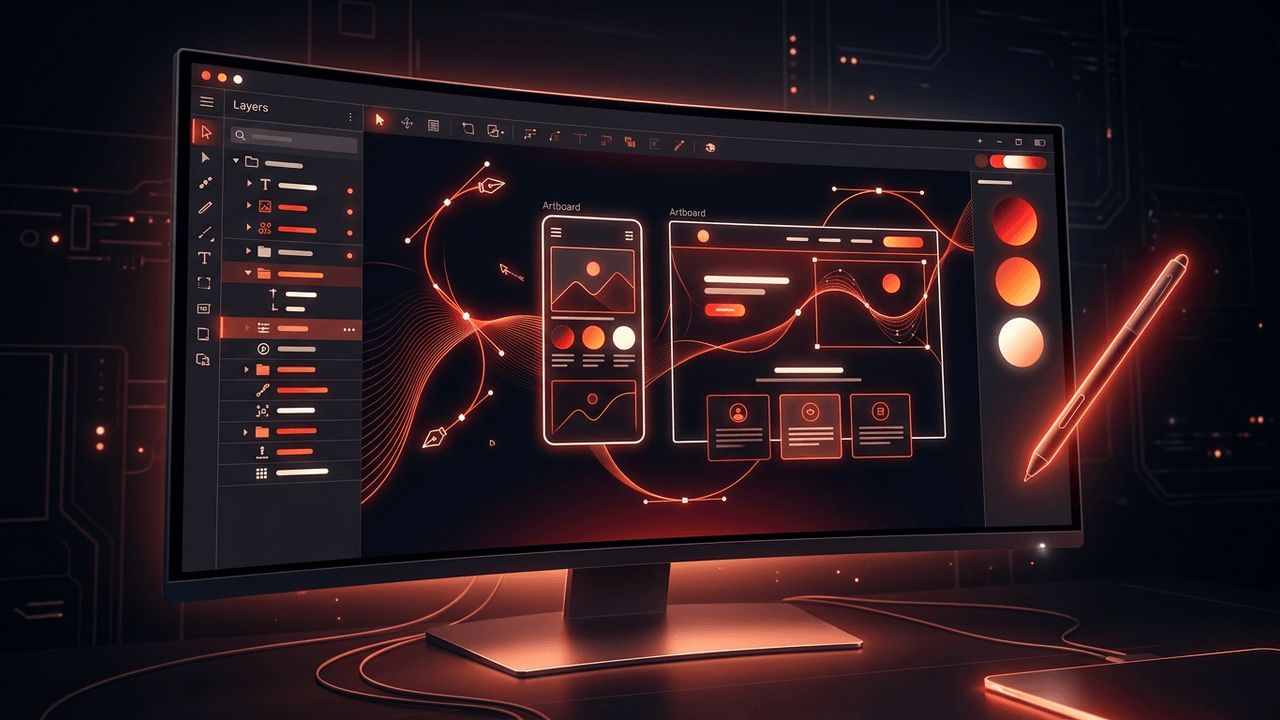
Behind every beautiful website is a set of tools that help designers turn ideas into polished, user-friendly experiences. Web design has evolved dramatically over the years, moving from static image mockups to collaborative, interactive prototypes that closely resemble finished products. Today's designers use specialized software for wireframing, interface design, prototyping, image editing, illustration, and handoff to developers. In this article, we explore the software web designers use most, what each tool does best, and how to choose the right combination for your workflow.
AAMAX.CO Uses Industry-Leading Tools to Create Outstanding Websites
Great software is only as good as the expertise behind it. AAMAX.CO is a full-service digital marketing company offering web development, digital marketing, and SEO services worldwide. Their designers use modern, professional tools to craft wireframes, prototypes, and high-fidelity designs that align with each client's brand and business goals. Because their designers collaborate closely with developers and SEO specialists, their clients receive websites that look stunning and perform exceptionally well.
Figma: The Industry Standard for UI Design
Figma has become the leading tool for web and interface design. It runs in the browser and as a desktop app, allowing teams to collaborate in real time on the same file. Designers use Figma to create wireframes, high-fidelity mockups, design systems, and interactive prototypes. Features like components, auto layout, variables, and developer mode make it easy to maintain consistency and hand off designs to developers. Its extensive plugin ecosystem adds functionality for icons, accessibility checks, content generation, and more.
Adobe XD and Sketch
Sketch is a macOS-based design tool that pioneered many modern interface design workflows. It remains popular among some designers for its clean interface and strong plugin support. Adobe XD was once a major competitor offering design and prototyping features integrated with Adobe Creative Cloud, though Adobe has shifted its focus away from active development. Many teams that previously used these tools have migrated to Figma, but they still appear in some workflows.
Adobe Photoshop
Photoshop is the classic image editing software. While it is no longer the primary tool for designing website layouts, web designers still use it for photo retouching, compositing, creating hero images, and preparing visual assets. Its powerful editing capabilities and AI-powered features, such as generative fill, make it invaluable for producing high-quality imagery.
Adobe Illustrator
Illustrator is the go-to software for vector graphics. Designers use it to create logos, icons, illustrations, and infographics that scale perfectly at any size. Vector assets created in Illustrator can be exported as SVG files, which are lightweight and ideal for websites.
Wireframing Tools
Before diving into visual design, many designers create wireframes to plan layouts and user flows. Tools commonly used for wireframing include:
- Balsamiq: Produces low-fidelity, sketch-style wireframes that keep the focus on structure.
- Whimsical: Combines wireframes, flowcharts, and mind maps in one tool.
- FigJam: Figma's collaborative whiteboard for brainstorming and user flow mapping.
- Miro: An online whiteboard popular for workshops and planning sessions.
Prototyping and Animation Tools
Prototypes help designers test interactions and communicate ideas before development begins. Figma includes robust prototyping features, but some designers use specialized tools for advanced interactions. ProtoPie enables realistic, sensor-based prototypes. Principle and Rive help designers create detailed animations and micro-interactions. Lottie allows lightweight animations to be exported for use on websites.
No-Code and Visual Website Builders
Some designers build live websites directly using visual development platforms:
- Webflow: Offers design freedom with clean code output and built-in hosting and CMS.
- Framer: Lets designers create interactive, production-ready websites with smooth animations.
- WordPress with page builders: Tools like Elementor and the block editor enable visual site building.
These platforms blur the line between design and development, allowing designers to launch websites without writing extensive code.
Collaboration and Handoff Tools
Design is a team effort. Designers rely on tools that streamline communication and handoff. Figma's developer mode provides code snippets, measurements, and asset exports. Zeplin offers organized design specifications. Project management tools like Jira, Asana, Trello, and Notion keep projects on track. Communication tools like Slack facilitate quick feedback.
Supporting Tools Every Designer Uses
- Color tools: Coolors and Adobe Color for building palettes.
- Font resources: Google Fonts and Adobe Fonts for typography.
- Icon libraries: Lucide, Heroicons, and Font Awesome.
- Stock imagery: Unsplash, Pexels, and Adobe Stock.
- Accessibility checkers: Contrast checkers and plugins that test designs for WCAG compliance.
- AI tools: Image generators and AI assistants that speed up ideation and asset creation.
How to Choose the Right Software
The best toolkit depends on your role, team, budget, and project types. Beginners often start with Figma because of its free plan, collaborative features, and industry adoption. Designers who build sites themselves may add Webflow or Framer. Those focused on branding and illustration will rely heavily on Illustrator and Photoshop. Prioritize tools that integrate well with your team's workflow and support efficient handoff to developers.
Ultimately, software is a means to an end. Professional website design depends on understanding users, brand strategy, and visual principles, with tools serving as the vehicle for bringing those ideas to life.
Conclusion
Web designers use a variety of software to plan, design, prototype, and deliver websites. Figma leads the industry for interface design and collaboration, while Photoshop and Illustrator remain essential for imagery and vector graphics. Wireframing tools, prototyping apps, visual builders, and collaboration platforms round out the modern designer's toolkit. By choosing the right combination of tools and pairing them with strong design skills, designers can create websites that are both beautiful and effective.