
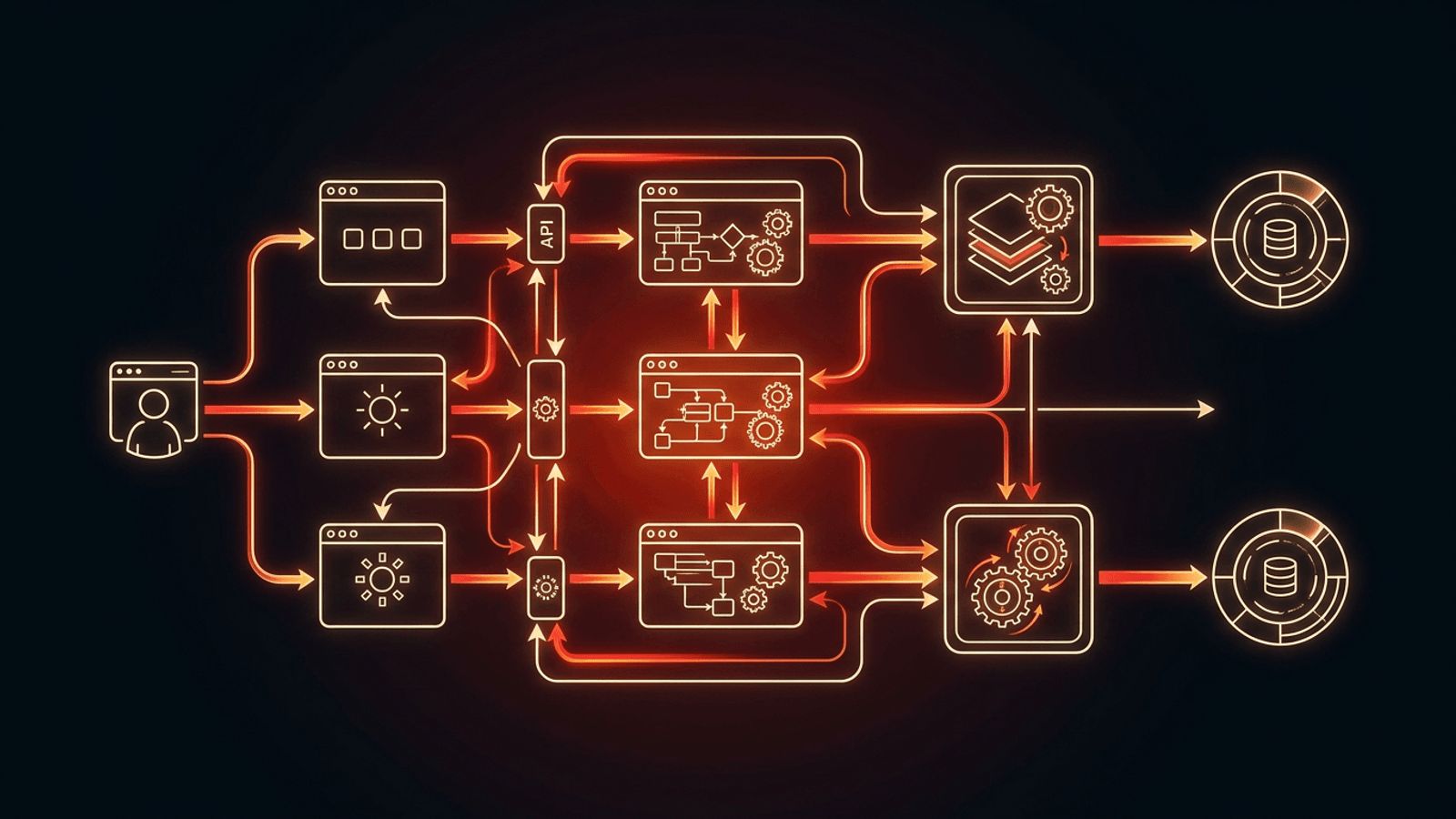
Web applications have transformed how businesses operate and how people interact with technology. Customer relationship management systems, ecommerce platforms, online learning portals, and collaborative tools all run as web applications accessible from any browser. If you are planning to make a web application, understanding the full development lifecycle is essential. This guide explains how to make a web application step by step, including planning, architecture, design, development, testing, deployment, and maintenance, so your project delivers lasting value.
Why Businesses Choose AAMAX.CO for Web Applications
Creating a web application involves complex decisions about technology, security, scalability, and user experience. AAMAX.CO is a full-service digital marketing company that provides web development, digital marketing, and SEO services worldwide. Their web application development services help companies build custom platforms tailored to their workflows and customers. They manage requirements gathering, interface design, backend engineering, integrations, and launch support. With their marketing expertise, they also help ensure the application reaches and engages its intended audience.
Understanding What a Web Application Is
A web application is software that runs on a web server and is accessed through a browser. It allows users to perform actions such as submitting forms, managing accounts, processing payments, and analyzing data. Unlike desktop software, web applications require no installation and can be updated centrally, making them convenient for both users and businesses.
Phase 1: Discovery and Requirements
Begin by documenting the problem your application solves and the people it serves. Gather requirements from stakeholders, including business goals, user needs, technical constraints, and compliance obligations. Create user stories that describe tasks from the user's perspective, such as "As a manager, I want to view team performance reports." These stories form the foundation of your development roadmap.
Phase 2: Planning and Prioritization
Organize requirements into a prioritized backlog. Determine which features are essential for the first release and which can wait. Estimate effort, define milestones, and allocate resources. Establish a realistic timeline and budget, leaving room for testing and unexpected challenges.
Phase 3: Architecture Design
Architecture defines how your application's components interact. Key decisions include:
- Application type: Single-page application, multi-page application, or progressive web app.
- Backend structure: Monolithic architecture for simpler projects or microservices for complex, large-scale systems.
- Data storage: Relational databases for structured data or NoSQL databases for flexible schemas.
- APIs: REST or GraphQL interfaces that connect the frontend with backend services.
- Infrastructure: Cloud hosting, serverless functions, or containerized deployments.
Sound architecture ensures your application can scale and remain maintainable as it grows.
Phase 4: User Experience and Interface Design
Design determines how users feel about your application. Create user flows, wireframes, and high-fidelity designs. Build a design system with reusable components such as buttons, forms, and navigation elements to ensure consistency. Prioritize accessibility, responsive layouts, and clear feedback for user actions. Validate designs with usability testing before development begins.
Phase 5: Frontend Development
Frontend developers turn designs into interactive interfaces using HTML, CSS, and JavaScript frameworks such as React, Vue, or Angular. They implement state management, form handling, routing, and API communication. Performance optimization techniques like code splitting and lazy loading keep the application fast and responsive.
Phase 6: Backend Development
The backend handles business logic, data processing, authentication, and integrations. Developers build APIs, design database schemas, and implement security controls. Popular backend technologies include Node.js, Python, Java, PHP, and Go. Clean, modular code and thorough documentation make future updates easier.
Phase 7: Integrations
Most web applications connect with external services. Common integrations include payment gateways, email and SMS providers, CRM systems, analytics platforms, and cloud storage. Use well-documented APIs and handle errors gracefully so the application remains reliable even when third-party services experience issues.
Phase 8: Security and Compliance
Protect user data with strong authentication, encrypted communication, input validation, and role-based access controls. Follow established security guidelines to defend against common threats. If your application handles sensitive data, ensure compliance with relevant privacy and industry regulations.
Phase 9: Quality Assurance
Testing should occur throughout development. Automated unit and integration tests catch bugs early. End-to-end tests verify complete user workflows. Performance and load testing confirm the application can handle expected traffic. Security testing identifies vulnerabilities. Finally, user acceptance testing ensures the application meets stakeholder expectations.
Phase 10: Deployment
Set up staging and production environments. Use continuous integration and deployment pipelines to automate testing and releases. Configure monitoring, logging, and alerts so you can respond quickly to issues. Plan a launch strategy that includes user onboarding and support resources.
Phase 11: Maintenance and Growth
After launch, monitor performance and gather user feedback. Fix bugs, update dependencies, and release improvements regularly. Analyze usage data to prioritize new features. Pair your application with a strong marketing website; professional website design can help communicate your product's value and drive signups.
Common Mistakes to Avoid
- Skipping user research and building unnecessary features
- Underestimating security requirements
- Neglecting scalability in the architecture
- Rushing testing to meet deadlines
- Ignoring post-launch maintenance and support
Conclusion
Learning how to make a web application involves a structured process: discovering requirements, planning priorities, designing architecture, crafting user experiences, developing the frontend and backend, integrating services, securing data, testing thoroughly, deploying carefully, and maintaining continuously. With careful planning and experienced professionals, your web application can become a reliable, scalable tool that supports users and drives business success.